Cutting order on a CNC: why small parts shift and how to set the right order
CNC8 min readBy moducut
Summarize this article with an AI tool:
Short answer
Why does cutting order matter so much?
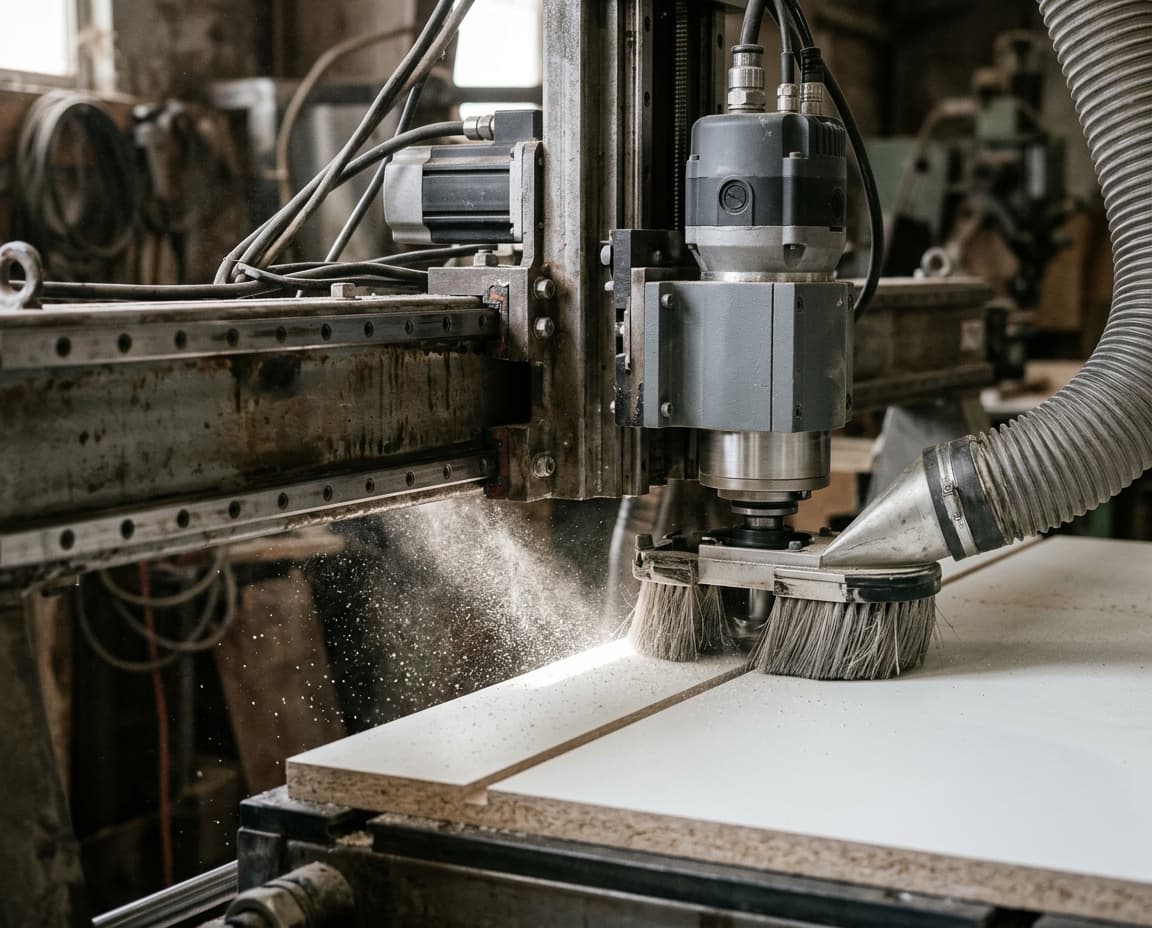
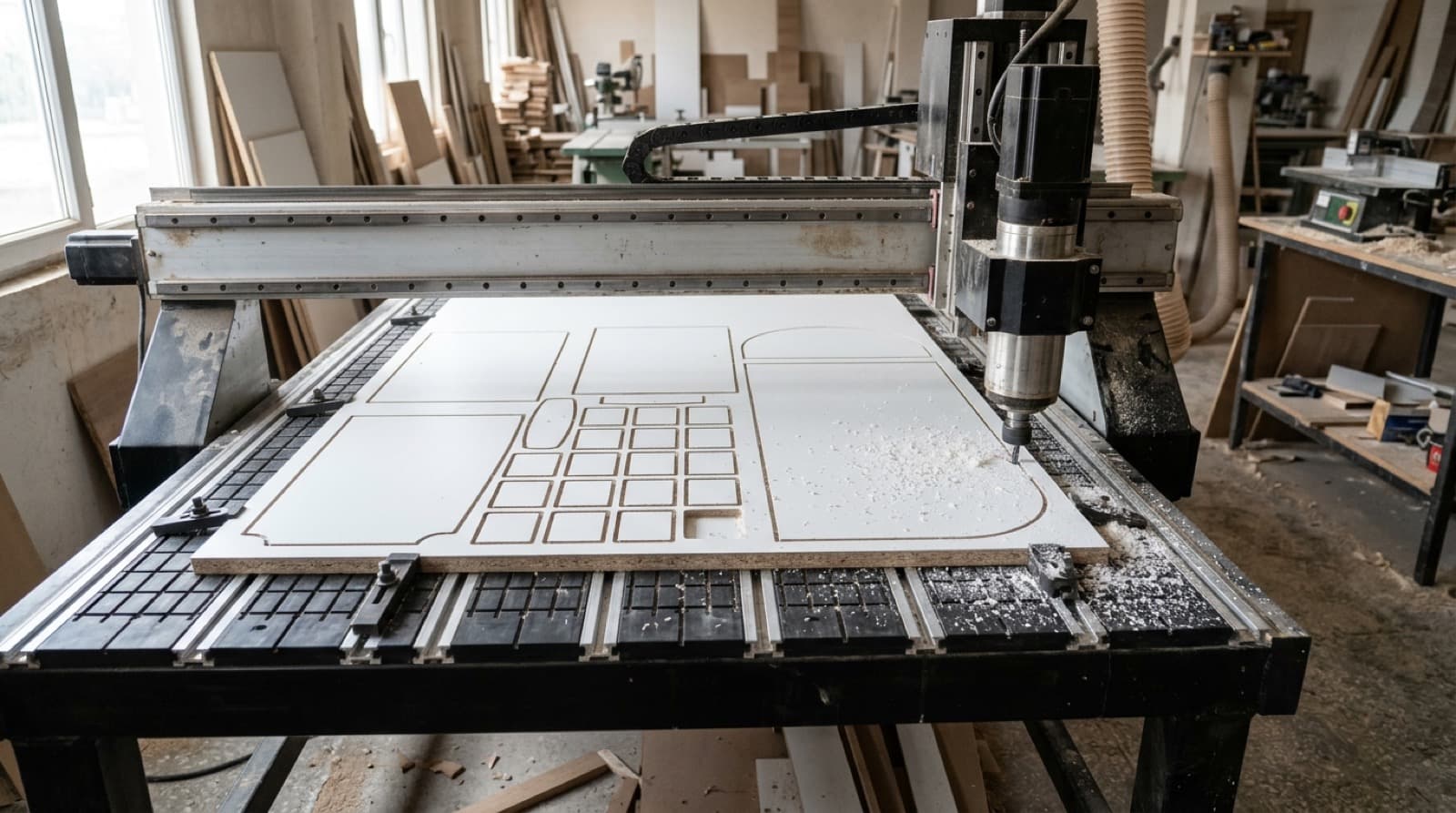
On a CNC router, what holds the sheet to the table is usually vacuum. While the sheet is whole, the suction surface is large and the sheet does not move. As the cutter goes around each part, the sheet is divided into pieces; each piece that comes free has to hold on with a suction surface only as large as its own area.
A large side panel stays firm even with that area. But if an 80 × 300 mm rail, a drawer back or a plinth part is among the last parts cut, the sheet around it has long been cut and vacuum has started escaping through the gaps. When the cutter reaches that part, the side force can push it. The result is a shift of a millimetre, a wavy edge or the part flying off altogether.
So cutting order is not just a question of time; it is a question of accuracy and workshop safety.
What are the signs of a wrong cutting order?
If one of these happens often in the workshop, the problem is most likely the order:
- One edge of small parts comes out 0.5–1 mm different from the others.
- Towards the end of the cut, parts move and the operator holds them down by hand.
- In the same program, large parts are fine and small parts are off.
- The cutter cuts a part in one corner, goes to the other end of the sheet and then comes back.
- Holes are correct on the part, but because the part shifted the distance between the outer edge and the hole has changed.
What rules is a good cutting order based on?
1. Start from the corner the machine comes from
The machine comes to every job from its park or zero point. Starting the first cut with the part closest to that corner reduces idle travel. If there are several candidates in the corner, the smaller one is cut first.
2. Work from the outside in
Parts near the edge of the sheet do not split the parts in the middle when they are cut. When cutting works from the outside in, the remaining sheet stays in one piece for as long as possible and keeps its suction.
3. Cut small parts early
Vacuum weakens as the sheet is cut. If small parts are left until last, they are cut with the weakest suction. So a good order looks at how much of the sheet has been cut and brings small parts forward.
4. Leave large parts for last
Side panels and tops larger than a square metre hold well with their own area. Leaving them for last causes no problem.
5. Avoid unnecessary jumps
At every step, the next part should be close to the one just cut. The head travelling back and forth from one end of the sheet to the other wastes time and breaks the logic of the order.
6. Cut inside before outside
If a part has a pocket, cut-out or inner contour, the inside is cut first. Once its outer perimeter is cut, the part is free; cutting its inside in that state invites shifting. We cover this in detail in our sizing and inner cuts document.
Rule-by-rule comparison
| Rule | What it prevents | When applied wrongly |
|---|---|---|
| Start from the corner | Idle travel, a long first jump | Travel across the sheet to reach the first part |
| Work outside in | Splitting the sheet too early | Parts in the middle are left like islands |
| Bring small parts forward | Shifting in the last cuts | Size errors on small parts |
| Leave large parts last | Unnecessary vacuum loss | Large panel comes out early, suction drops |
| Go to the nearest part | Lost time | Head goes back and forth across the sheet |
| Inside first, outside last | Inner cuts on a free part | Pockets and cut-outs shift |
What else can support the vacuum?
Cutting order does not replace vacuum; it makes the best use of it. In the workshop, consider these measures together with the order:
- Spoilboard: If the MDF top board is surfaced regularly, suction spreads evenly.
- Cutting depth: Going deeper than the overcut below the sheet cuts into the spoilboard needlessly and weakens suction.
- Leaving tabs: Tabs can be left on very small parts, but that means cleaning them by hand afterwards.
- Tool diameter: On a thin part, a large-diameter cutter applies more side force. We explained tool selection in our CNC router bit selection article.
How does cutting order change for offcuts?
After nesting, an irregular gap may be left on the sheet. If this gap is to be kept as an "offcut", it has to be separated with a straight edge. Order matters here too: the cut that separates the offcut should be made while the rest of the sheet is still held, and it should be a single straight line only along the edge facing uncut material. An offcut that is already rectangular is not cut separately.
How do cutting order and nesting affect each other?
Cutting order is set after nesting, but nesting's decisions determine how good the order can be. Two examples:
Small parts scattered in the middle of the sheet. To reduce waste, the layout places small parts in the gaps between large ones. That is right; but if small parts sit in the middle of the sheet surrounded by large parts, their surroundings have to be opened up before they can be cut early. A good order gives priority here to parts that are "opened up": parts next to an area already cut or near the sheet edge.
Thin strips stacked one above another. When thin, long parts such as plinths and rails are lined up along one edge, the outer strip should be cut first. If the inner strip is cut first, the outer strip is freed on both sides and is cut in its weakest state.
That is why nesting and cutting order give better results in the same program: the order knows what the layout placed where. We explained the logic of nesting on our Nesting page.
Does cutting order change with different sheet types?
The basic rules are the same, but the material shifts the emphasis:
| Material | What to watch |
|---|---|
| 18 mm melamine board | The standard case; prioritising small parts makes the clearest difference |
| 8 mm and thinner MDF / back panels | Parts are light and depend more on vacuum; cut small parts early |
| High-gloss board | A shifting part scratches the surface; shifting is a finish problem, not only a size one |
| Plywood | The surface can be uneven and suction escapes at the edges; cut outer parts early |
Vacuum loss is felt faster on thin sheets. The same ordering logic matters even more here; tabs for small parts can also be considered if needed.
Does cutting order change from machine to machine?
It does, because the start of the order depends on where the machine comes from. Some machines come from the park position to the back-left corner, some to the front-right. When the machine profile does not carry this information, the order starts from the wrong corner and the first jump is needlessly long.
Also, some machines go down a small amount into the spoilboard by themselves at the end of the cut; if that amount is not counted as zero, the depth setting is misleading. Machine-specific details like these are defined once in the machine profile and applied in every later job.
How does moducut set the cutting order?
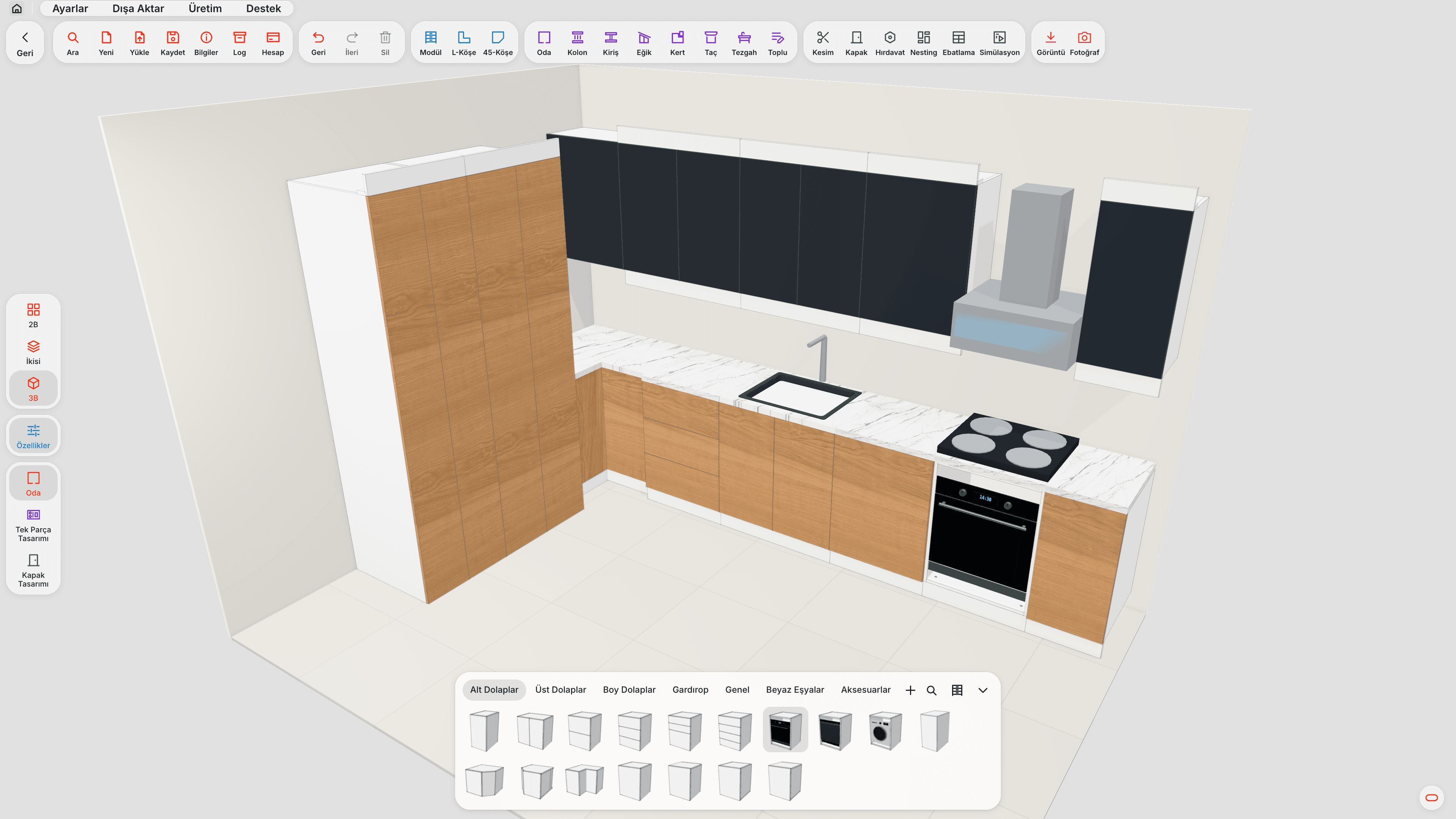
In moducut, the cutting order is set automatically when G-code is written after nesting. The order starts with the part closest to the corner the machine comes from; at each step, among the parts on the outer area of the sheet that do not split the remaining material when cut, it picks the one that is close to the last cut part, close to the edge and small. As the sheet is cut, small parts gain priority; parts larger than a square metre are left until last. Inner cuts are made before outer cuts.
If you wish, the offcut cutting option separates straight-edged offcuts from irregular gaps, and the offcut sizes are shown in the cutting simulation. In the cutting simulation you can watch the whole order step by step before sending it to the machine.
You can find moducut's machine file side as furniture CNC software on the G-code and CNC page, and the overall flow in our furniture CNC software article.
How do you check the cutting order before sending it to the machine?
- Watch the simulation from start to finish; if the head often jumps from one end of the sheet to the other, the order is not good.
- Look at the last five parts cut; if most are small parts, there is a risk.
- Confirm that parts with inner contours have their inside cut before their outside.
- On the first run, measure small parts with a caliper after cutting.
- Note the parts that cause problems and review them together with the machine profile settings.
Frequently asked questions
Do I need to change the cutting order by hand? Good furniture CNC software sets the order itself. Manual intervention is usually needed only in special cases (very thin strips, fragile material).
What should I do if small parts still shift? First check the spoilboard and the vacuum seal. Then review the cutting depth and tool diameter. If the order is right, the problem is most likely suction.
Can leaving tabs replace a good cutting order? No. A tab holds the part in place, but it has to be cut and sanded by hand afterwards. The right order reduces the need for tabs.
Does cutting order affect cycle time? Yes. An order that moves from near part to near part reduces idle travel. But the priority is accuracy, not time.
Does cutting order matter on a panel saw as well? On a panel saw, parts are separated with rip and cross cuts and there is no vacuum issue. There, the cutting order is determined more by the logic of the guillotine plan.