Exploded view
Exploded
view
On the module design screen, Explode (Alt+A) pulls the parts apart; you see in 3D where each part goes.
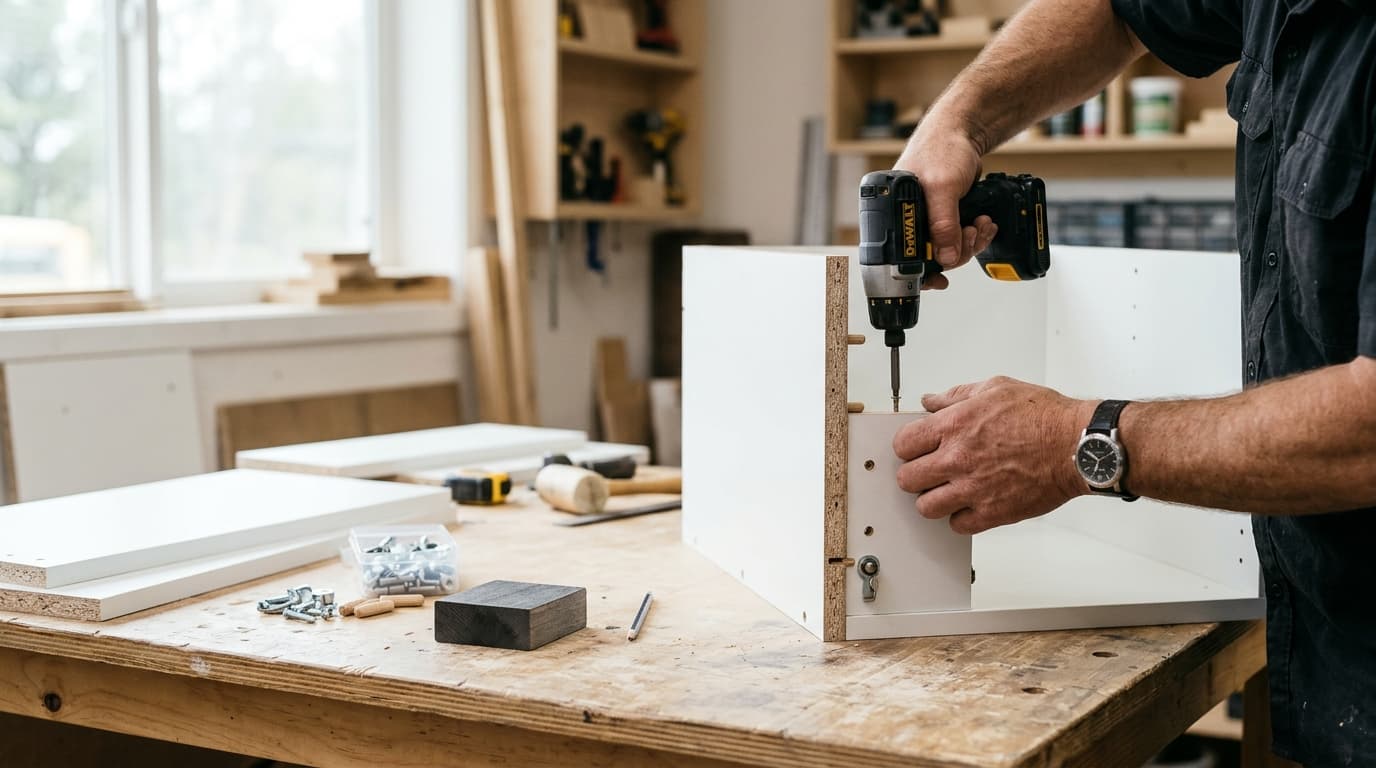
Exploded viewBase cabinet 80
Each module’s size and front view, with and without doors, on one page; the parts and hardware list on the assembly sheet. Installers build the module by looking at it.
Print it and put it on the packed module; the installer sees the module’s size and inner layout and builds it.
One right-click. Right-click a module and choose Assembly Template.
On the box. Installers see shelves, dividers and door layout as they build.
Hardware counted. The assembly sheet lists hinge, connector and shelf-pin hole counts.
Exploded view
On the module design screen, Explode (Alt+A) pulls the parts apart; you see in 3D where each part goes.
Assembly sheet
The name, size and quantity of the modules you select print on one page with front views with and without doors. The view without doors shows the shelves and dividers.
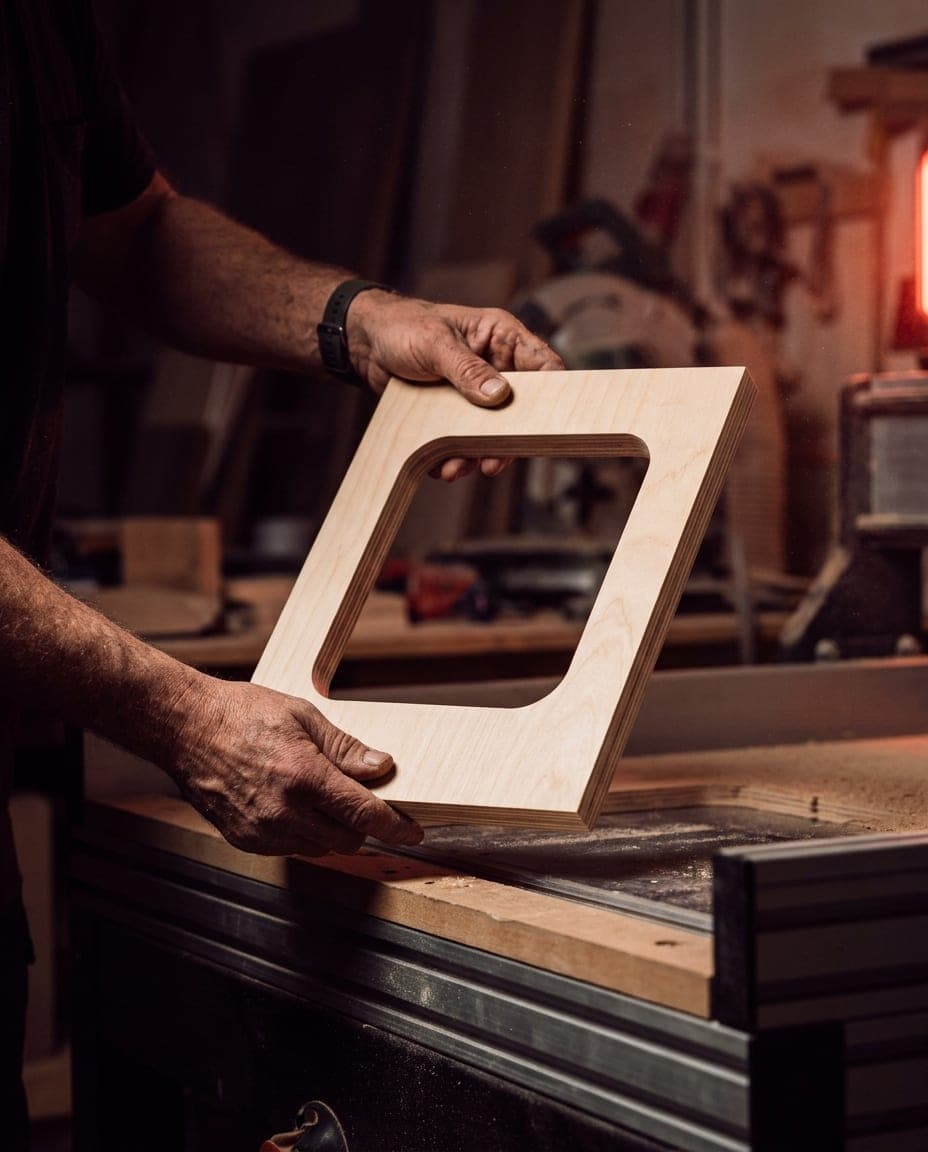
Assembly list
The Module tab of the cut list shows each module’s parts, sizes and hardware separately; it also exports to Excel as an Assembly sheet.
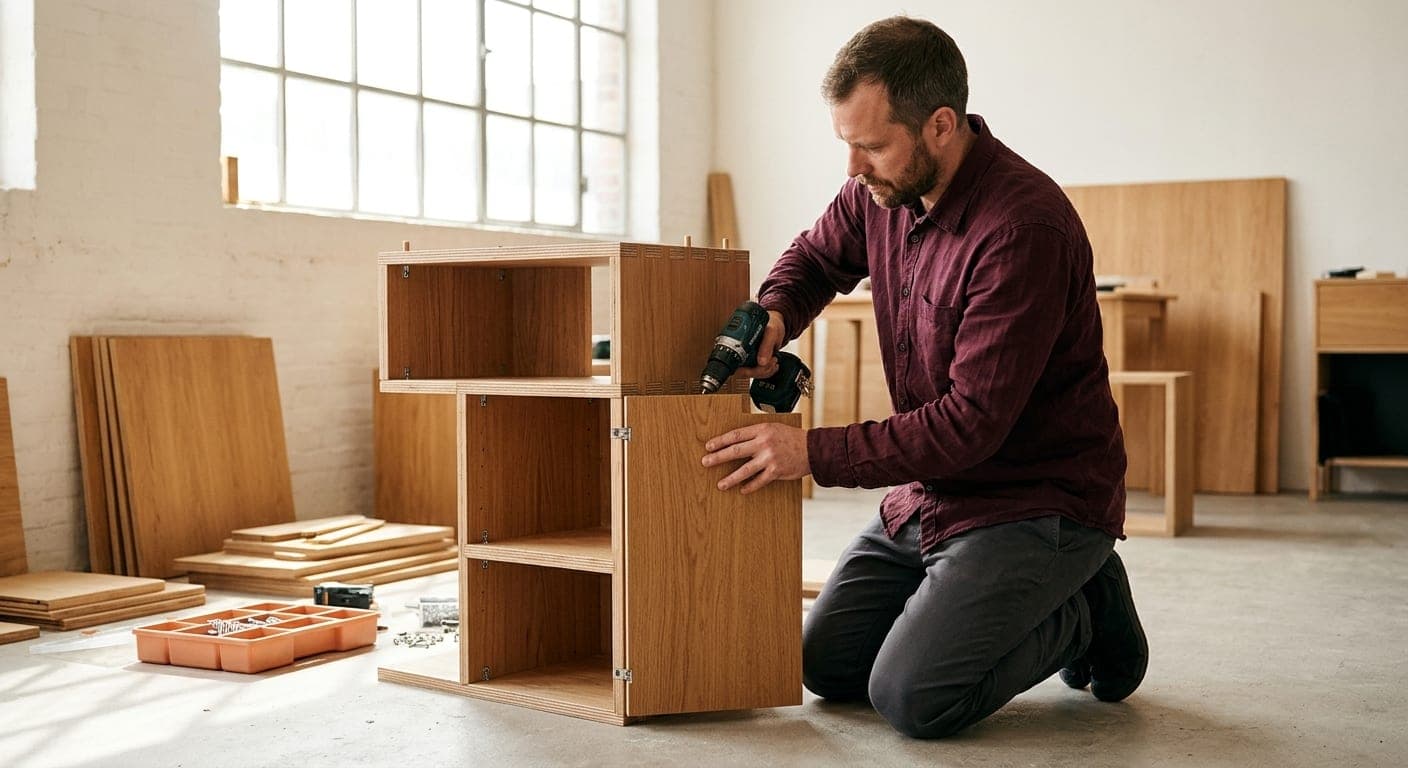
The printed page.
Parts up close.
Everything the install needs.
Installers read the module’s size and inner layout from the template; no separate drawings, no separate notes.
The assembly template shows each module’s size and front view with and without doors; the parts and hardware list is on the assembly sheet. Print both and add them to the module’s package. Parts and hardware lists for furniture: EN 14749, CATAS
Yes. When you right-click a module and open the Assembly Template, you choose which modules to print; each one goes on the page with its own title and its views with and without doors.
No, hardware is on the assembly sheet. The Module tab of the cut list lists each module’s parts along with hinge, connector and shelf-pin hole counts.
Try it free and see how the assembly template comes out for your own modules.
