Part details
Part name
and size
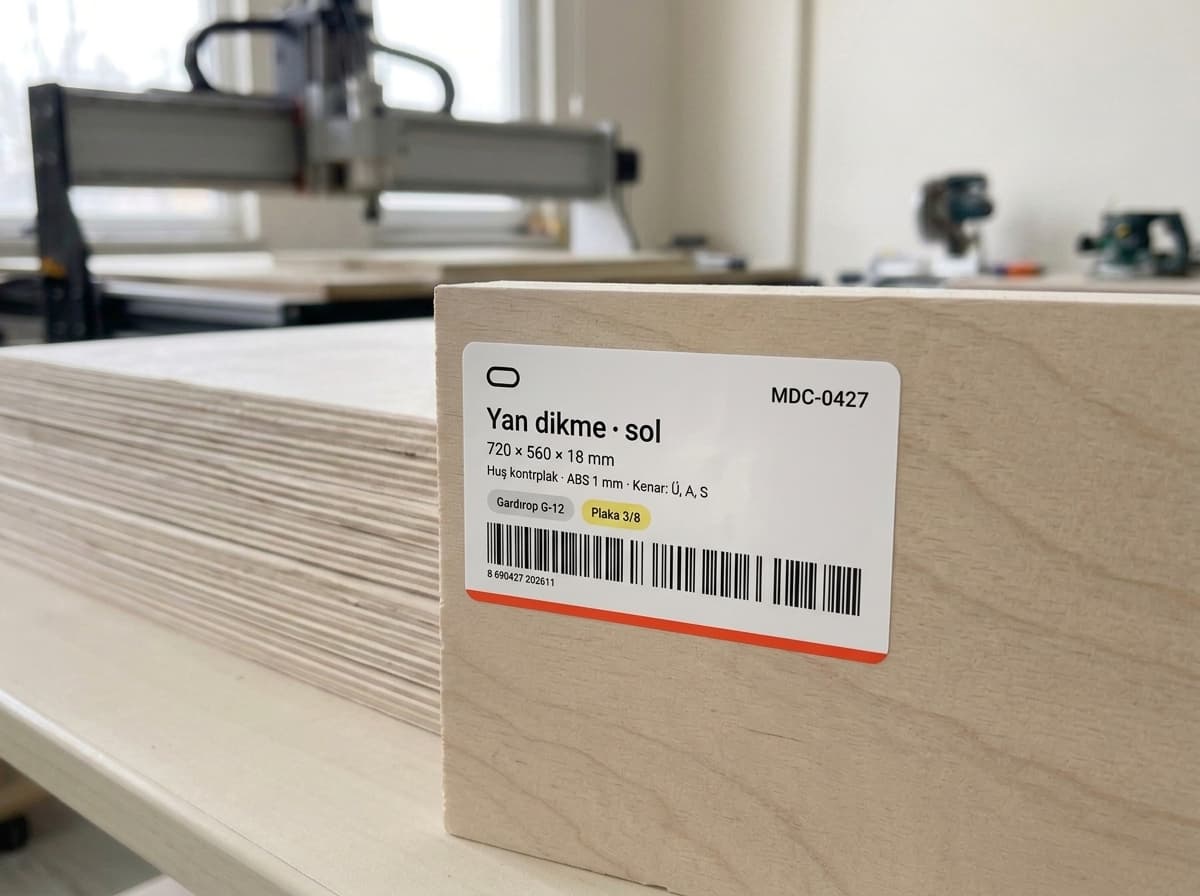
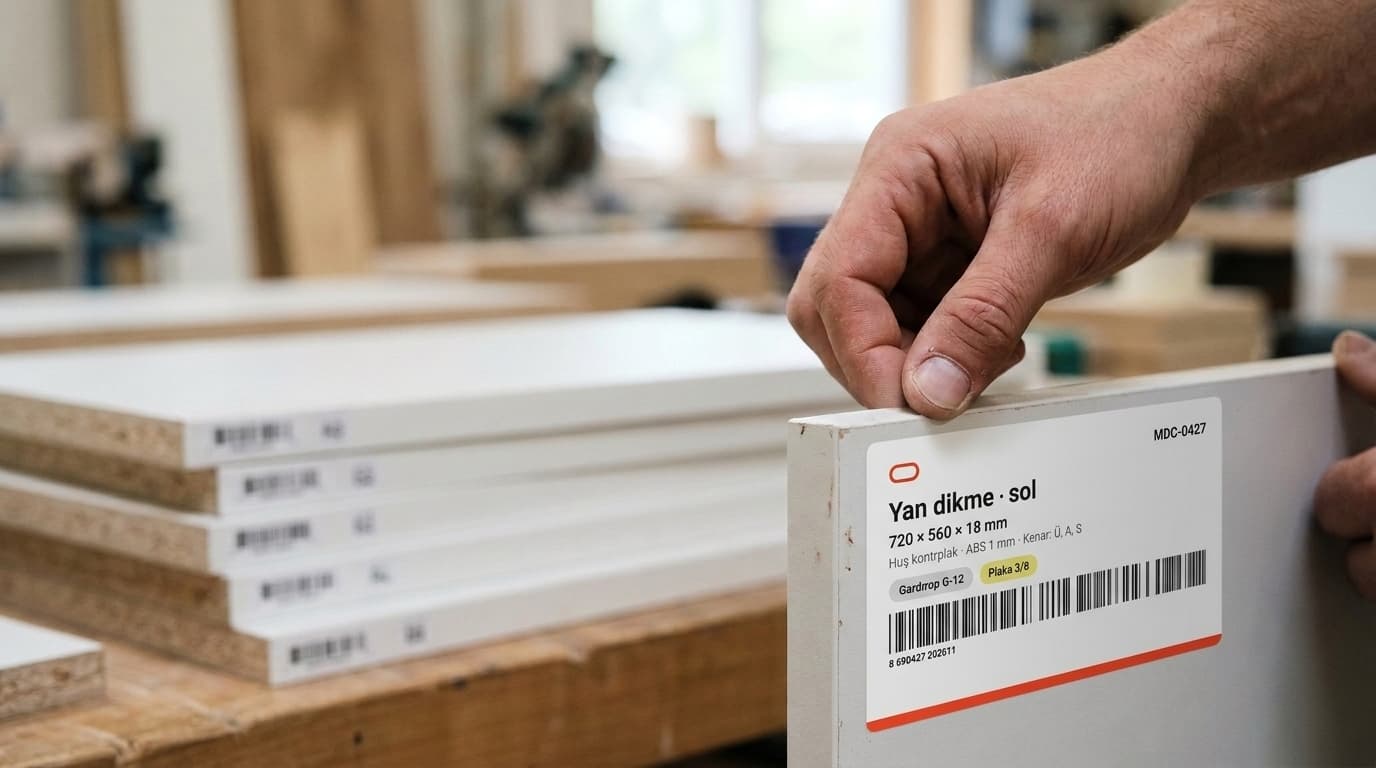
Every label shows the part name, cabinet name and width × length × thickness: “Left side, 560 × 720 × 18 mm”.
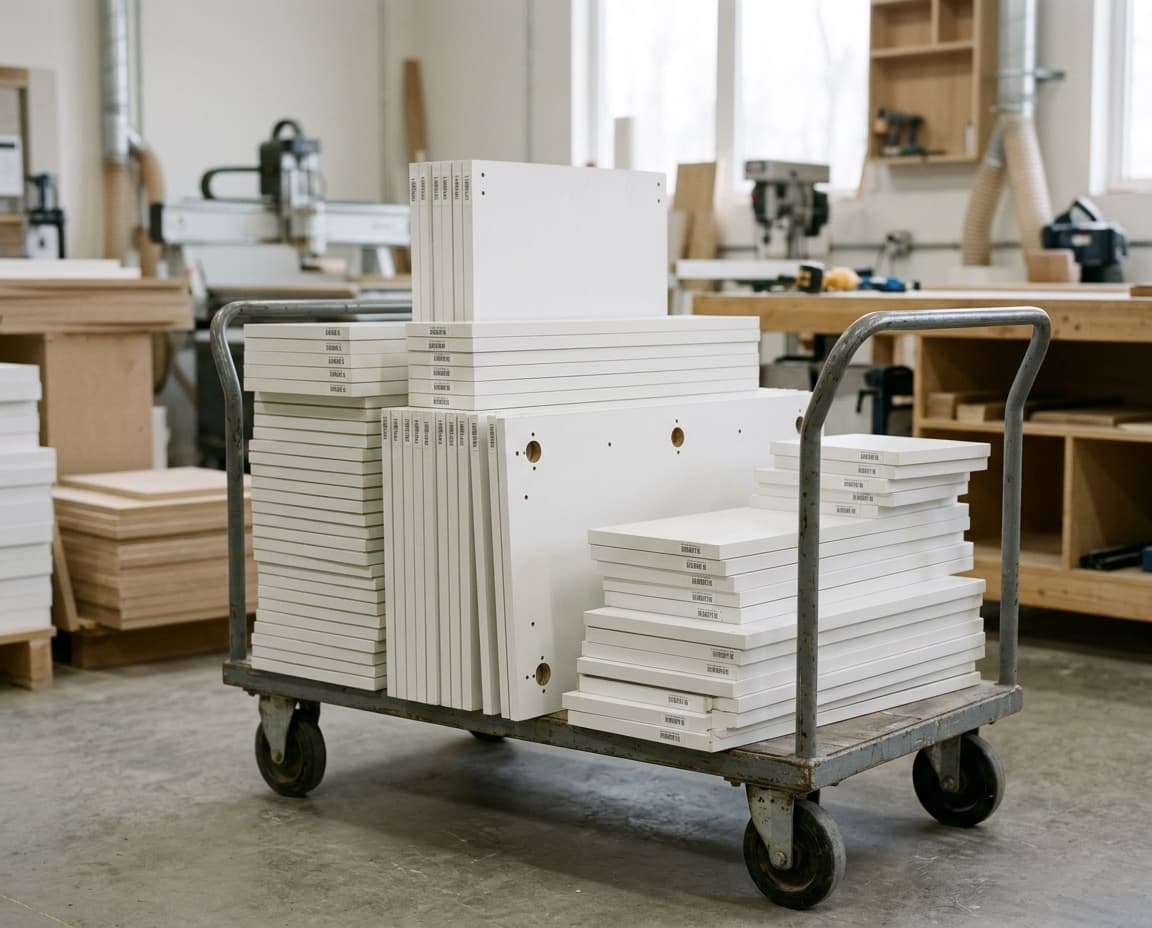

Part name, cabinet name, size, material, banded edges and hole count on one label with a Code 39 barcode. The label goes on the part right after CNC cutting.
Hundreds of cut parts no longer get mixed up; each one goes to assembly with its label.
Right after cutting. The label goes on the part as soon as the CNC finishes.
At a glance. Part name, size and material are printed on the label.
With its cabinet. Cabinet name and part code keep parts from getting mixed up.
Part details
Every label shows the part name, cabinet name and width × length × thickness: “Left side, 560 × 720 × 18 mm”.

Material and edges
Material and edge banding are on the label: “White 18mm Kastamonu · Band: Left 1 · Top 1”.

Barcode and warning
The part’s short code (“M01P03”) is printed as a Code 39 barcode; parts that also need machining on the back get a “FLIP SIDE” warning.

What it is.
What it’s made of.
Where it belongs.
First job after cutting: labels.
Parts go to assembly without getting mixed up.
Part name, cabinet name, width × length × thickness, material, banded edges, hole count and a Code 39 barcode. Parts machined on the back also get a “FLIP SIDE” warning. The Code 39 barcode standard: ISO/IEC 16388
Print from the print window with any printer installed in Windows: a regular printer for A4 label sheets, or a label printer for rolls. We can set up the printer together during onboarding.
Yes. In General Settings › Label you choose one of 11 templates: eight sheet sizes including the default A4 sheet with 21 labels (63.5 × 38.1 mm), plus 100 × 50, 80 × 50 and 60 × 40 mm rolls.
Try it free and see how the labels come out of your own project.