Sheet layout
Automatic
sheet nesting
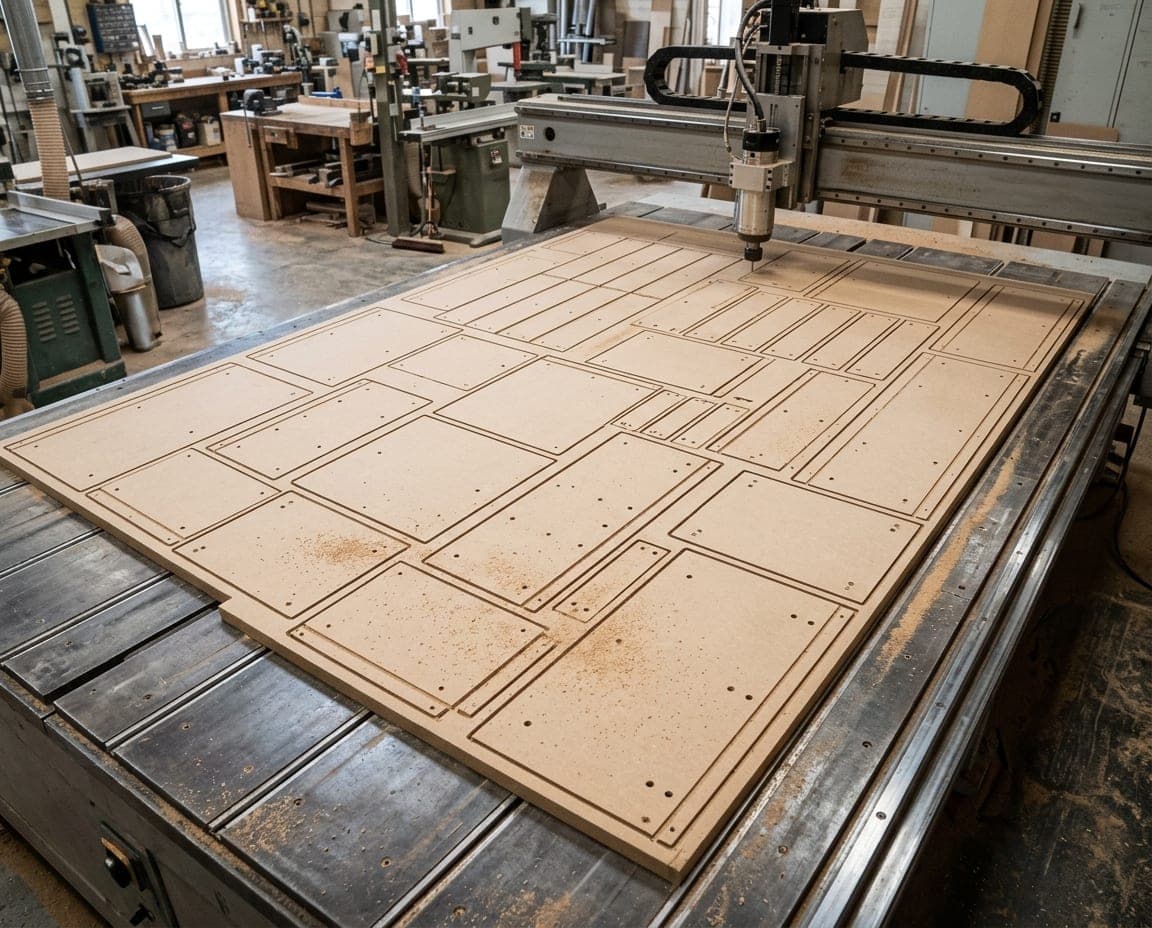
Places the parts on a 2100 × 2800 mm sheet, or on the size you enter for each material, with the least waste, and draws the plan.
Sheet 12 / 3894% yield
38 sheets1,512 partsWaste 6%
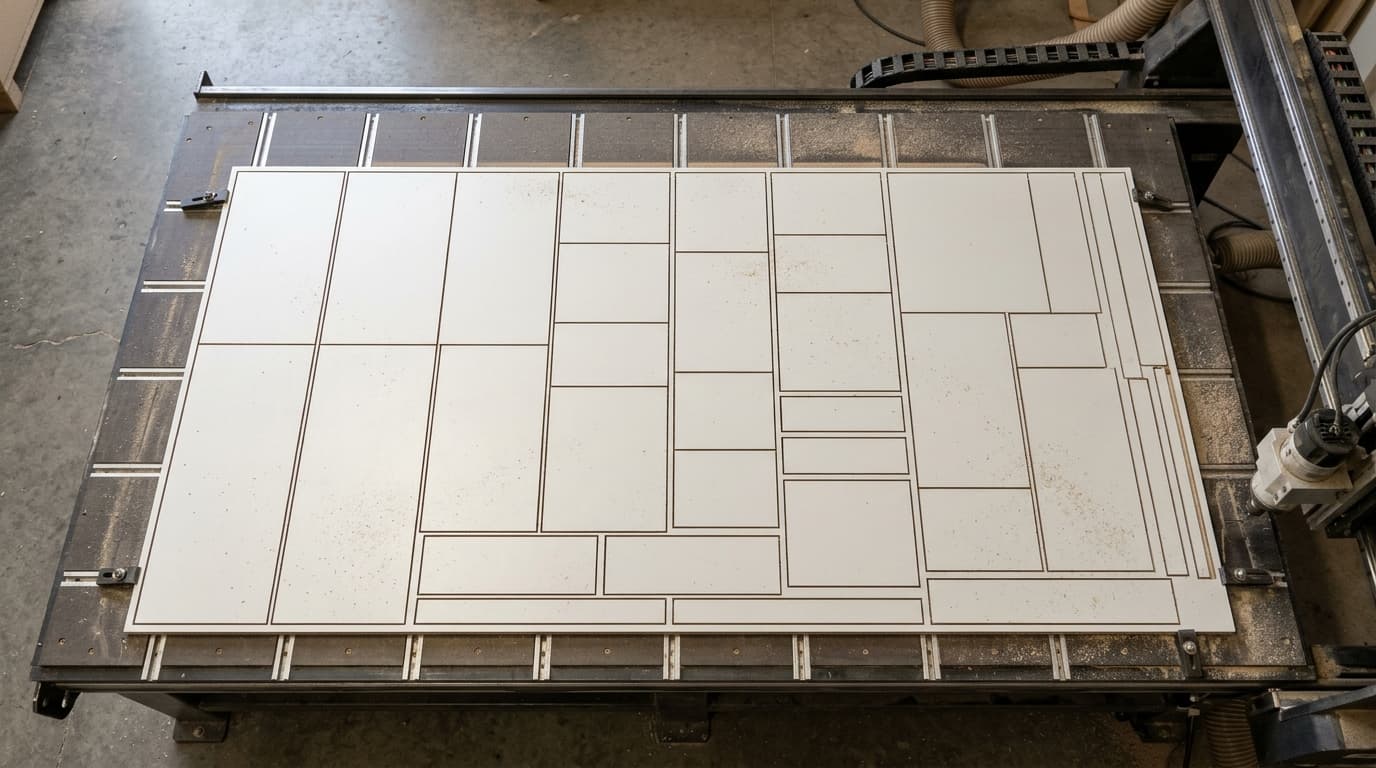
moducut lays parts out on the sheet with the least waste; it accounts for the saw kerf (6 mm by default) and edge trim (7 mm), keeps grain direction and fills offcuts first.
The sheets that used to end up in the bin every month are now on the plan; if it fits on paper, it fits on the machine.
Minimum waste. Parts are laid out on the sheet with the smallest possible offcut.
Offcuts first. Offcut sheets you add to the project are filled before a new sheet.
Kerf and trim. Saw kerf and edge trim are part of the layout.
Sheet layout
Places the parts on a 2100 × 2800 mm sheet, or on the size you enter for each material, with the least waste, and draws the plan.
Cutting method
Prepares the layout for a CNC router, or with guillotine cuts for a panel saw: vertical first, horizontal first, or mixed to find the best.
Speed
Spreads a project of more than fifteen hundred parts across sheets in seconds.
Every millimeter lost in cutting.
From small jobs to housing projects.
The plan that goes to the shop.
The sheets that ended up in the bin every month are now on the plan.
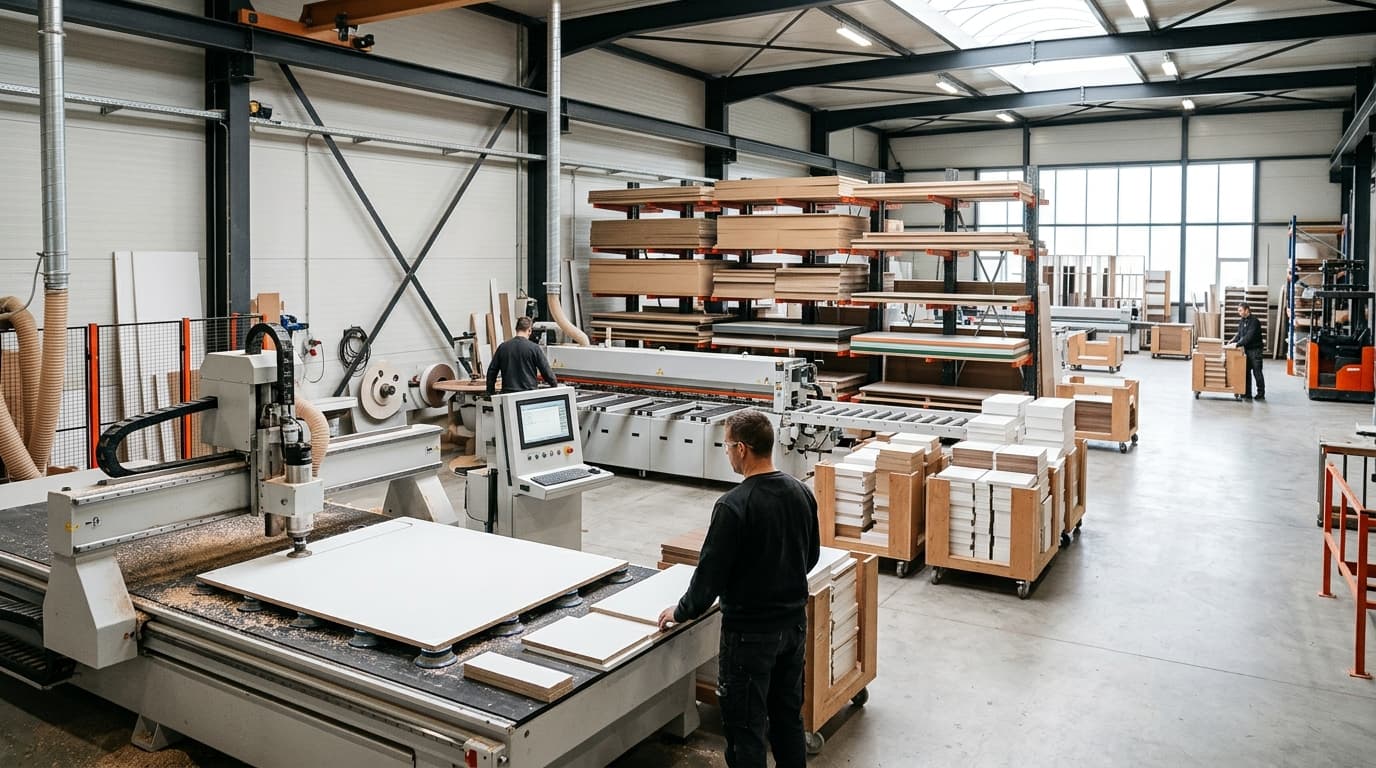
Nesting software places the parts to be cut on sheets with the least waste and draws the cutting plan. Furniture nesting lays out boards such as MDF and melamine-faced chipboard, which is what sets it apart from sheet-metal nesting. moducut prepares the plan for a CNC router or for guillotine cutting on a panel saw.
Yes. In Nesting Settings you enter the saw kerf (6 mm by default) and edge trim (7 mm by default); parts marked with a grain direction are placed without rotating. Check the settings against your sheets and CNC tooling. What saw kerf depends on: Wikipedia
No, a cutting plan is made from the parts of one project. If you need several of the same cabinet, increase the module’s cutting quantity; its parts are placed on the sheet that many times.
Yes. Every feature is unlocked in both the 1-Year and the Lifetime plan; the only difference between them is the license term.
Try it free with your own project and see the waste as a number.
