Skip to content
NewsNew: Door and Entry Door design screens are complete
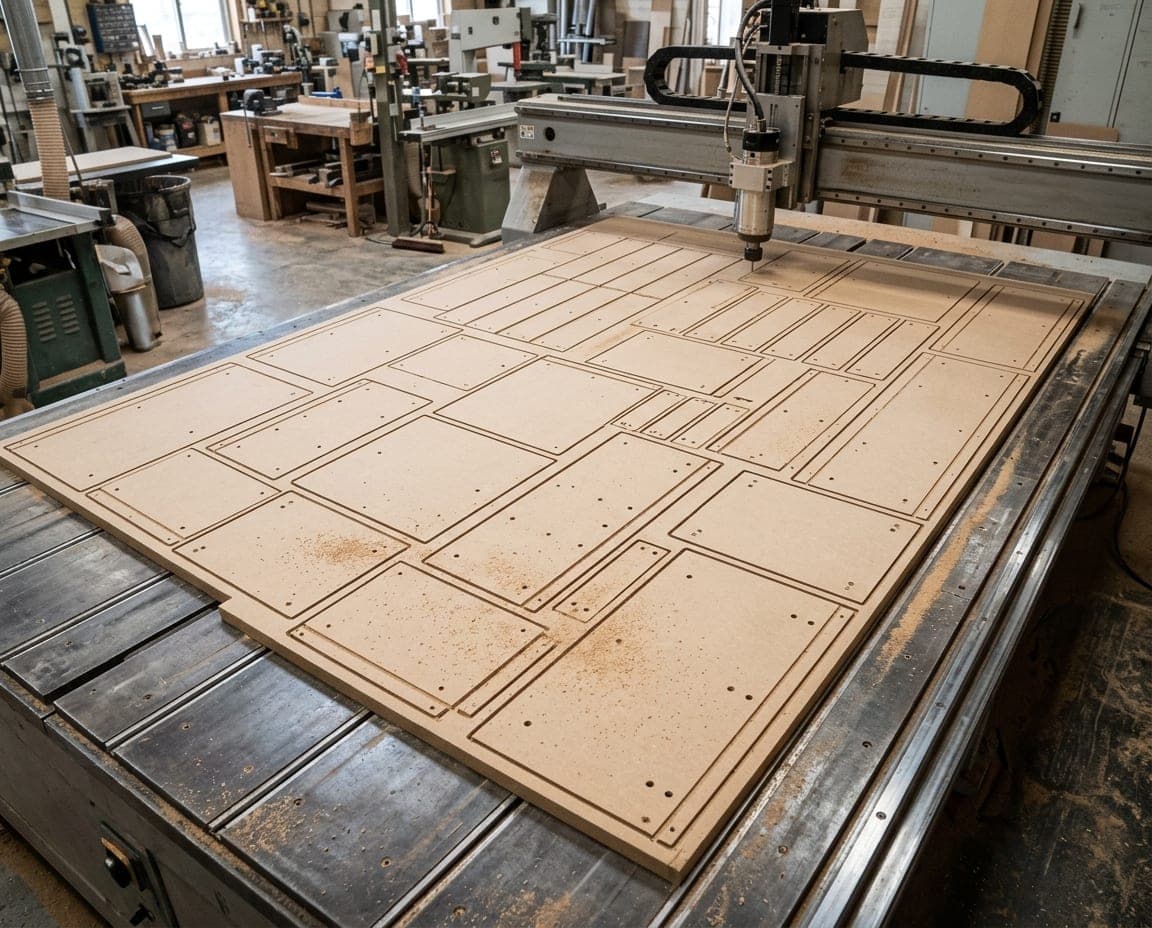
A CNC spindle machining a wooden board

CNC G-code software — From drawing to G-code, in one click.

moducut produces the G-code, DXF and CIX files your CNC machine reads, straight from your drawing. G-code is written for your existing machine using its profile’s post settings.

Download free

CNC programming
without the expertise.

No more preparing cutting files by hand; design, cut list and machine file come from the same project.

  1. Don’t write G-code yourself. Toolpaths are created from the drawing automatically.

  2. With your current machine. Set up post and tooling once in the machine profile.

  3. One project. Design, nesting and machine file in one place.

One flow from
drawing to machine.

Machine file

The machine file,
from the same project

You get CNC machine files straight from your drawing: G-code, DXF per sheet and CIX for Biesse profiles.
Waste control

Nesting with
the least waste

Parts are nested on a 2100 × 2800 mm sheet with the least waste; saw kerf and edge trim are included in the calculation.

Simulation

Simulate
before you cut

Before sending the program to the machine, watch the toolpath on the sheet in the cutting simulation; the estimated time is shown too.

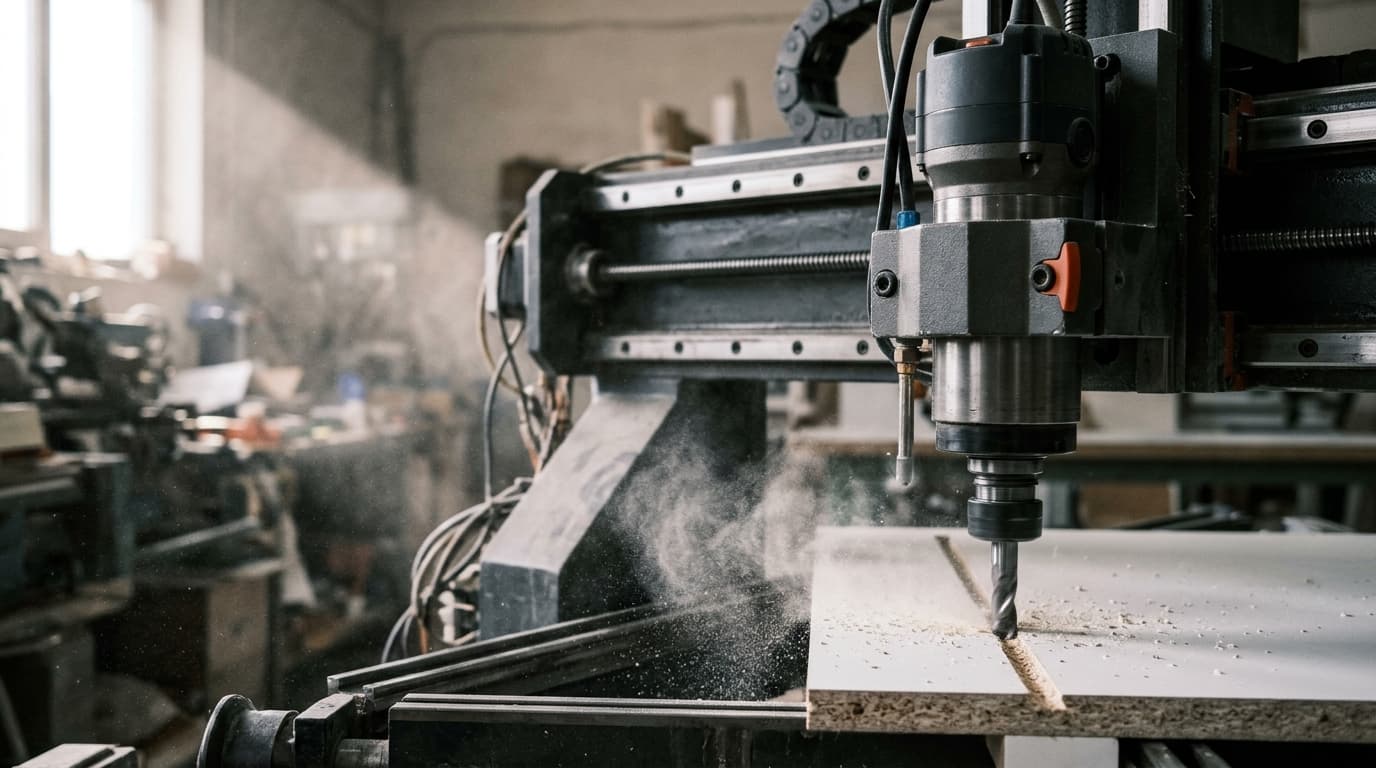
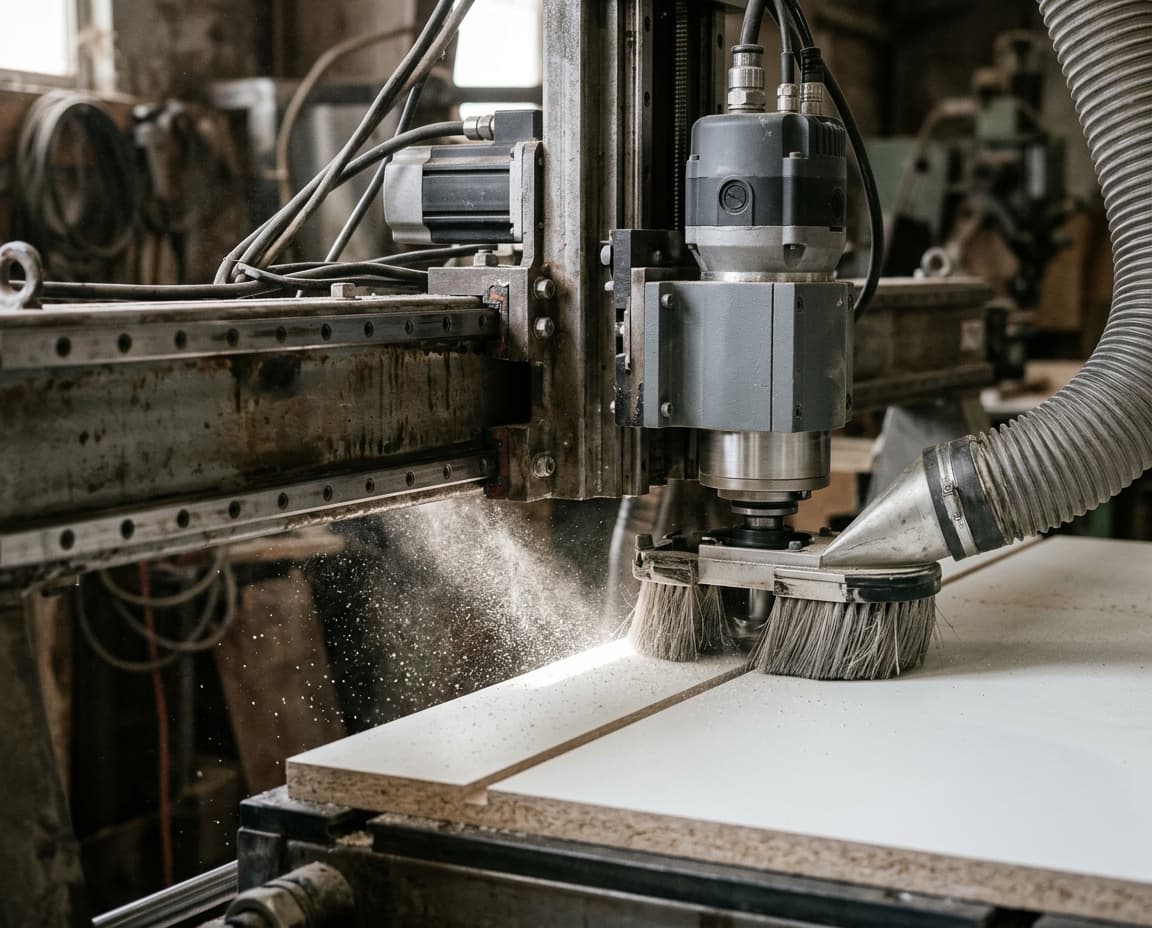
A CNC spindle cutting an MDF sheet

Output that goes to the machine.

Machine files

Suited to your CNC.

  • G-code
  • DXF
  • CIX

Lists

For the shop.

  • Cut list
  • Excel
  • Sheet PDF

Part tracking

After cutting.

  • Part labels
  • Code 39 barcode
  • Flip-side warning

“Will it work with my machine?” We set up its profile together; the G-code comes out in your machine’s language.

moducutG-code and CNC

Frequently asked
questions

moducut writes G-code with the post template of the machine profile you choose: start and end lines, tool changes and file extension are set for your machine. We set up the profile together during onboarding; no separate CAM drawing is needed. The G-code program format standard: ISO 6983-1

Yes. Nesting Results gives you a DXF per sheet. Biesse profiles produce a CIX program for the sheet, and there is a per-part CIX package for horizontal holes.

Yes. Every feature is unlocked in both the 1-Year and the Lifetime plan; the only difference between them is the license term.

Let’s get it running
on your machine.

Try it free and get G-code for your own CNC from your first project.

Cookie settings

Choose which cookies you allow. You can change your choice any time from the “Cookie settings” link at the bottom of the page.