Skip to content
NewsNew: Door and Entry Door design screens are complete
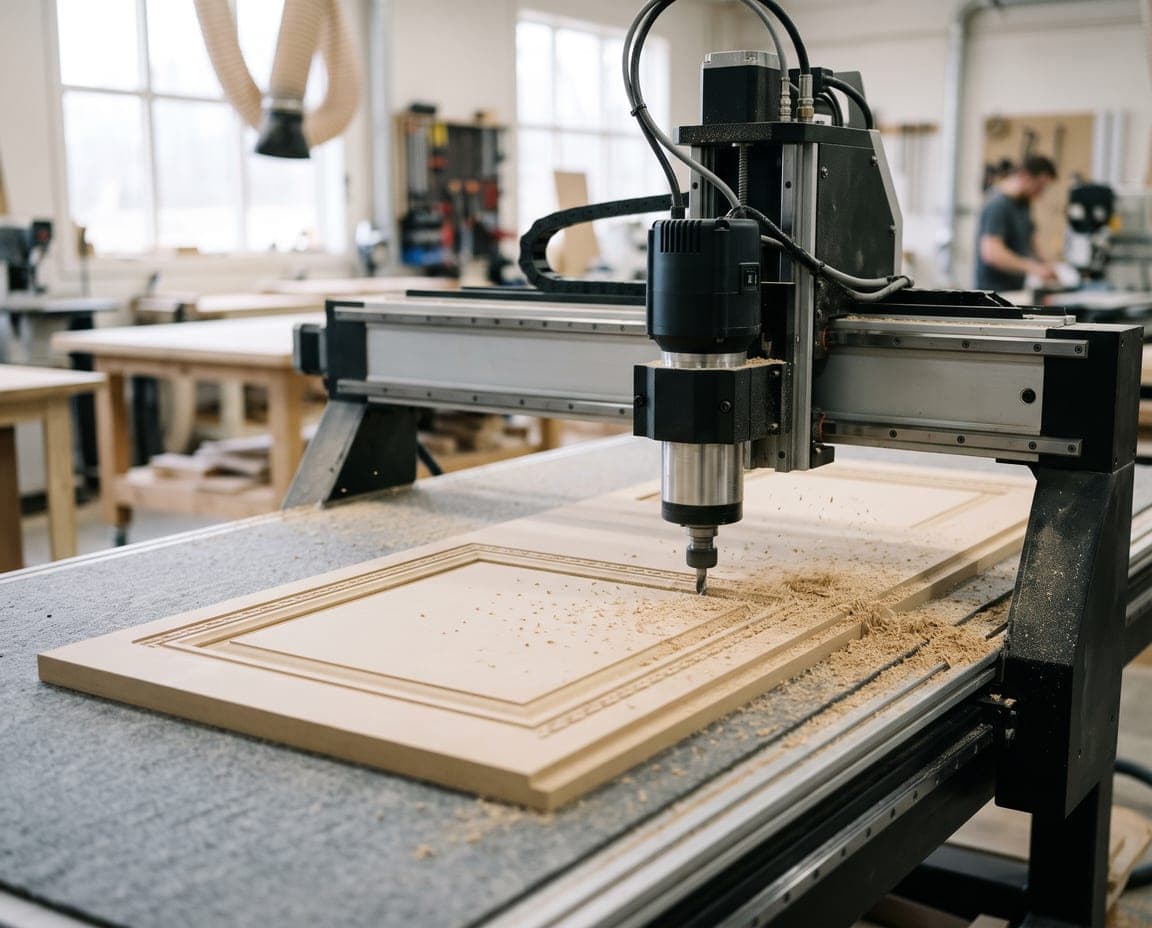
An MDF door with a frame and border pattern being routed on a CNC router

Cabinet door design software — Door patterns, all the way to the CNC.

Design MDF cabinet doors from the library or with parametric patterns; price the order, then cut it on your CNC with nesting and G-code.

Door orders
on one screen.

Pattern, size, price and cutting in one place; no switching to a separate program for doors.

  1. No separate program. Door Design opens inside the same project, next to Room and Single Part.

  2. Your patterns. Pick a ready model or save your own with Parametric Pattern.

  3. Priced and ready. The order calculates total square meters, material, hardware and machining time.

From pattern to order,
from order to CNC.

Door Library

Library and
parametric patterns

Door, Entry Door and Divider models, the moducut collection that ships with the program and your own My Patterns group. In Parametric Pattern you edit frame lines, pockets, center panel, border, motif and edge profile, then save to the Library.
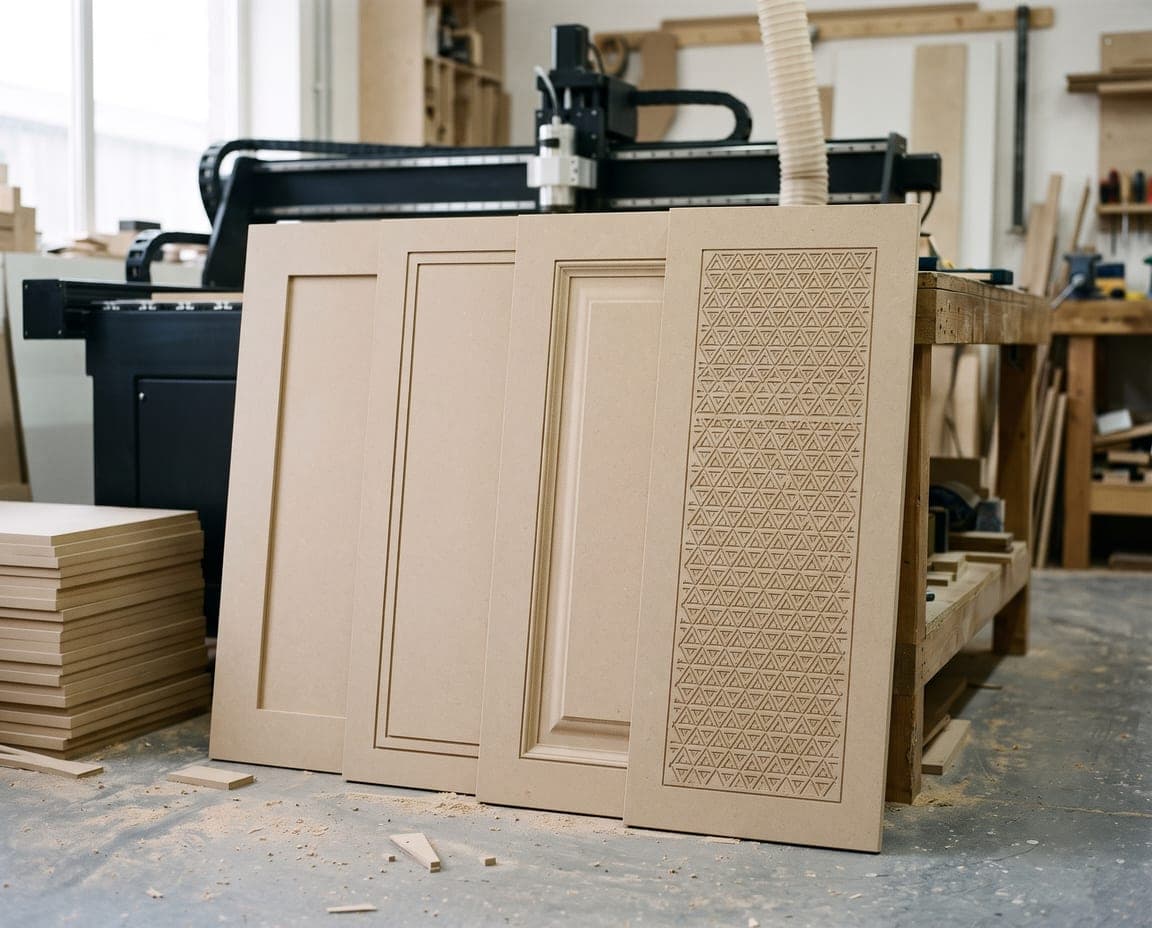
Unpainted MDF doors with different frame, border and motif patterns

New door

A new door,
step by step

In the Size, Sloped, Arched, Glass, Handle, Height and Drawer steps you enter the model, material, size, glass, handle and hinges. Import from project brings the doors and drawer fronts of the cabinets in the room into the order with their sizes.

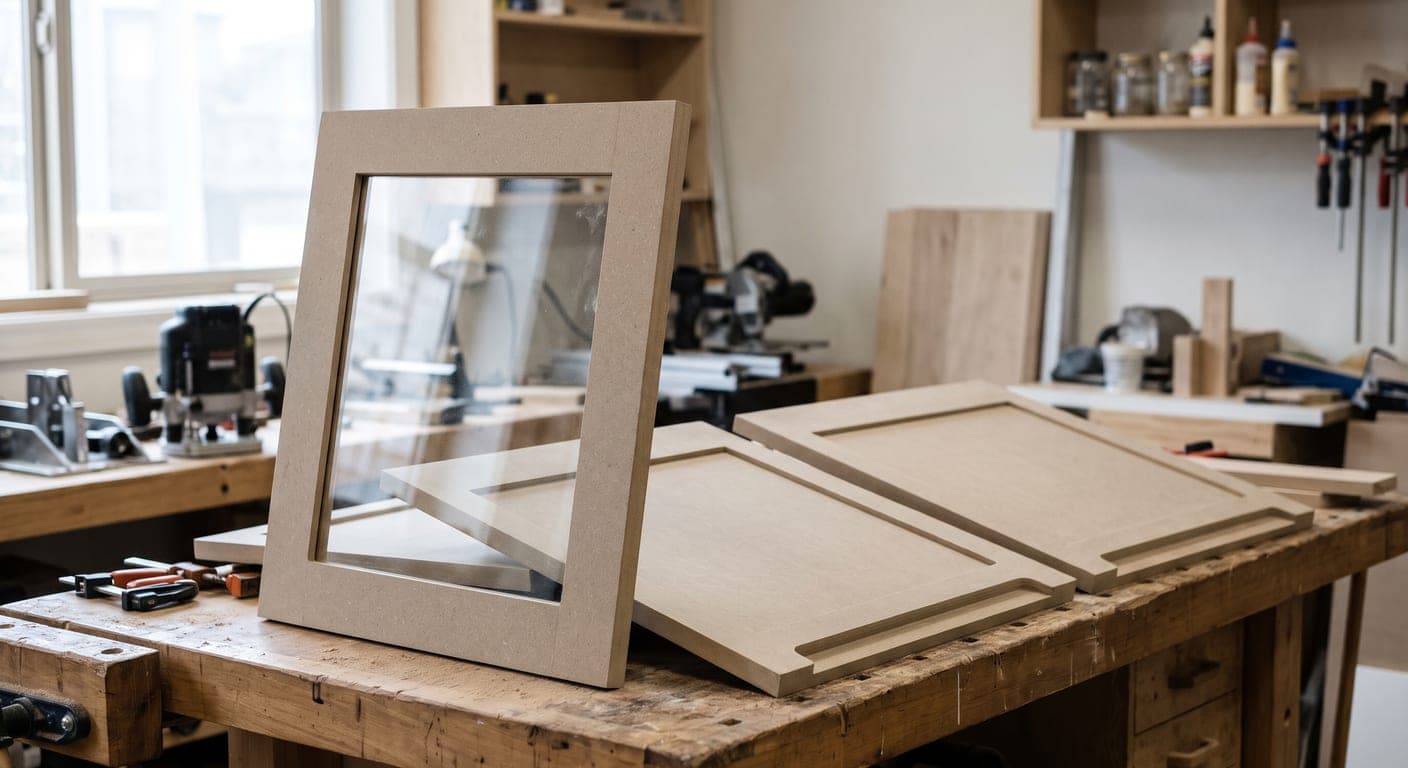
A glass-panel frame door and MDF doors with routed handle grooves

Order and production

Priced orders,
cut on the CNC

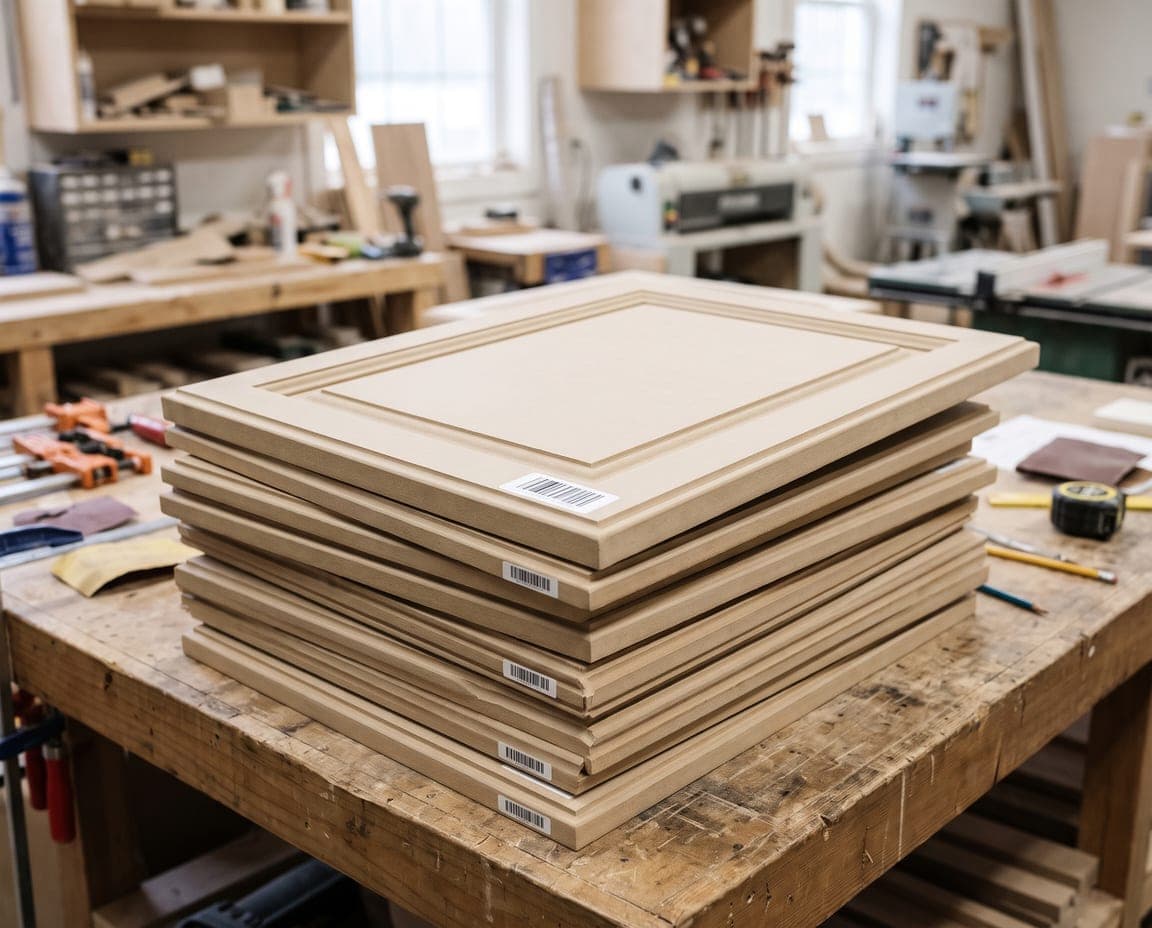
The order holds the customer, project and mobile number; total m², material, hardware, machining time and grand total. Import from Excel, export to Excel and CSV, or print. Doors enter your existing production line through Nesting, Cut list and Labels.

Barcode-labeled MDF doors stacked and ready for an order

How do you
design a door?

Preparing a door order in moducut and sending it to the CNC takes five steps.

  1. Open Door Design. Open the project and click the door icon in the Room · Single Part · Door Design switch on the right of the bottom bar.

  2. Add a new door. Click Project › New door on the ribbon; in the Size step enter model, material, height, width and quantity, then click Add door. Use Import from project for doors in the room.

  3. Choose the pattern. Pick a model from Library › Library, or edit the frame, pockets and ornaments with Parametric.

  4. Complete the order. Fill in customer, project and phone in File › Order; total m² and grand total appear at the top of the panel.

  5. Send to production. Lay the doors out on sheets with Production › Nesting, click Run Nesting and get the G-code; Cut list and Labels are in the same group.

What’s in door design.

Patterns

From ready models to your own designs.

  • Door library
  • Parametric patterns
  • Edge profiles

Doors

From flat to angled.

  • Angled and arched doors
  • Glass doors
  • Handles and hinges
  • Drawer sets

Orders

From quote to production.

  • m² and price
  • Excel and CSV
  • G-code and labels

Door patterns now live
inside the project too.

moducutDoor design

Frequently asked
questions

Door design software prepares the pattern, size and production data of cabinet doors. In moducut it is not a separate program but the Door Design workspace inside your project: doors sit line by line in an order list, and the preview shows 2D toolpaths or a 3D relief.

Production › Nesting opens with the door lines; Run Nesting lays the doors out on sheets and you get the G-code from Nesting Results. The pattern’s tools are added to the CNC tool list automatically; before the first run, compare the tool numbers with those on your machine.

Yes. In the Door Library choose a manufacturer type and click New pattern, or duplicate a ready model; edit frame lines, pockets, border, motif and edge profile in Parametric Pattern and save it to the library. Your saved patterns live in the My Patterns group.

The pattern price is the door’s area in m² times the price per m²; if a door has no price, the model’s or the default m² price from Door Settings is used. Material comes from the sheet’s m² price and hardware from unit prices; you choose which items go into the quote in Door Settings › Pricing.

Yes. Every feature is unlocked in the 7-day trial; up to 10 sheets can be sent to production, including G-code or DXF output for doors. After that: 1-Year Plan $299 per year, Lifetime Plan $1,249 one-time payment. Pricing

Design your doors
in moducut.

Try it with your own door order; from pattern to G-code in one program.

Cookie settings

Choose which cookies you allow. You can change your choice any time from the “Cookie settings” link at the bottom of the page.