
Skip to content
NewsNew: Door and Entry Door design screens are complete
Cut white furniture parts stacked on a workshop bench

Cut list software — Cut lists, straight from the drawing.

moducut pulls part names, sizes, quantities, materials and edge-banded sides out of your drawing automatically. Export the cut list to Excel or CSV, or save it as a PDF from the print window.

Download free

No more questions
from the shop floor.

Which cabinet the part belongs to, which material it is, which edge is banded: it is all on the line.

  1. Send it to the cutter. Export to Excel or print it and send it to your subcontractor.

  2. No retyping. Sizes, materials and banding are read from the drawing; no separate notes needed.

  3. Allowances included. Edge band thickness is deducted from the cutting size; choose a Gola profile and door sizes shorten on their own.

Every line,
to the millimeter.

Banded edges

Edge banding
on every row

The PVC column shows which edges are banded and the band thickness (“Left 1 · Top 2”). Band meters are totaled separately by thickness and decor.
Sheets and modules

By sheet
and by module

The same list can be viewed cabinet by cabinet, sheet by sheet or module by module. The Sheet tab shows the part count, area and approximate number of sheets for each material.

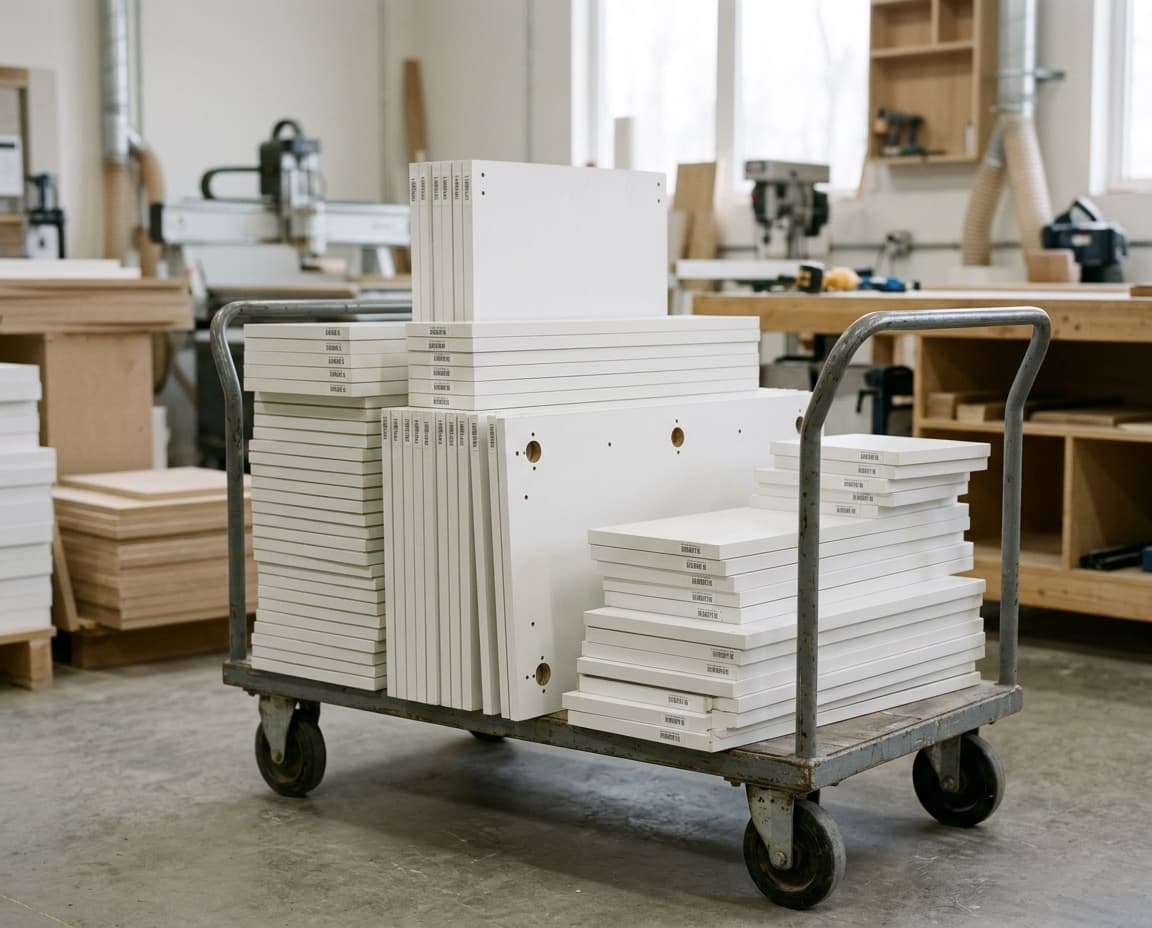
A cart full of CNC-cut, labeled MDF parts

Labels

Labels in
the same window

The Labels tab of the cut list prepares a Code 39 barcoded label for every part; you print them from the print window.

Everything on the list.

On every line

For each part.

  • Part name
  • Material
  • Size
  • Quantity

Edge banding

Everything the shop asks about.

  • Banded edges
  • Band thickness
  • Band meters
  • Finished size

Output

Send it or print it.

  • Excel
  • CSV and XML
  • Print and PDF
  • Subcontract cutting

Which cabinet, which material, which edge is banded: it is all on the line. No more questions from the shop floor.

moducutCut list

Frequently asked
questions

Cut list software lists the size, quantity, material and edge banding of every part of a piece of furniture. In moducut the list comes from the drawing: cabinet name, part name, material, length, width, thickness, quantity and PVC columns; when a cabinet size changes, the list updates too.

Yes. Export the cut list to Excel or save it as a PDF from the print window and share it with your cutting service; size, material and banding are on every line.

Edge banding, yes: the PVC column shows which edges of each part are banded and how thick the band is. Grooves and notches are not written on the list; they go from the drawing into the sheet layout and the G-code.

Yes. Every feature is unlocked in both the 1-Year and the Lifetime plan; the only difference between them is the license term.

Send the list to
the shop in one click.

Try it free and see how the cut list comes out of your own project.

Cookie settings

Choose which cookies you allow. You can change your choice any time from the “Cookie settings” link at the bottom of the page.
