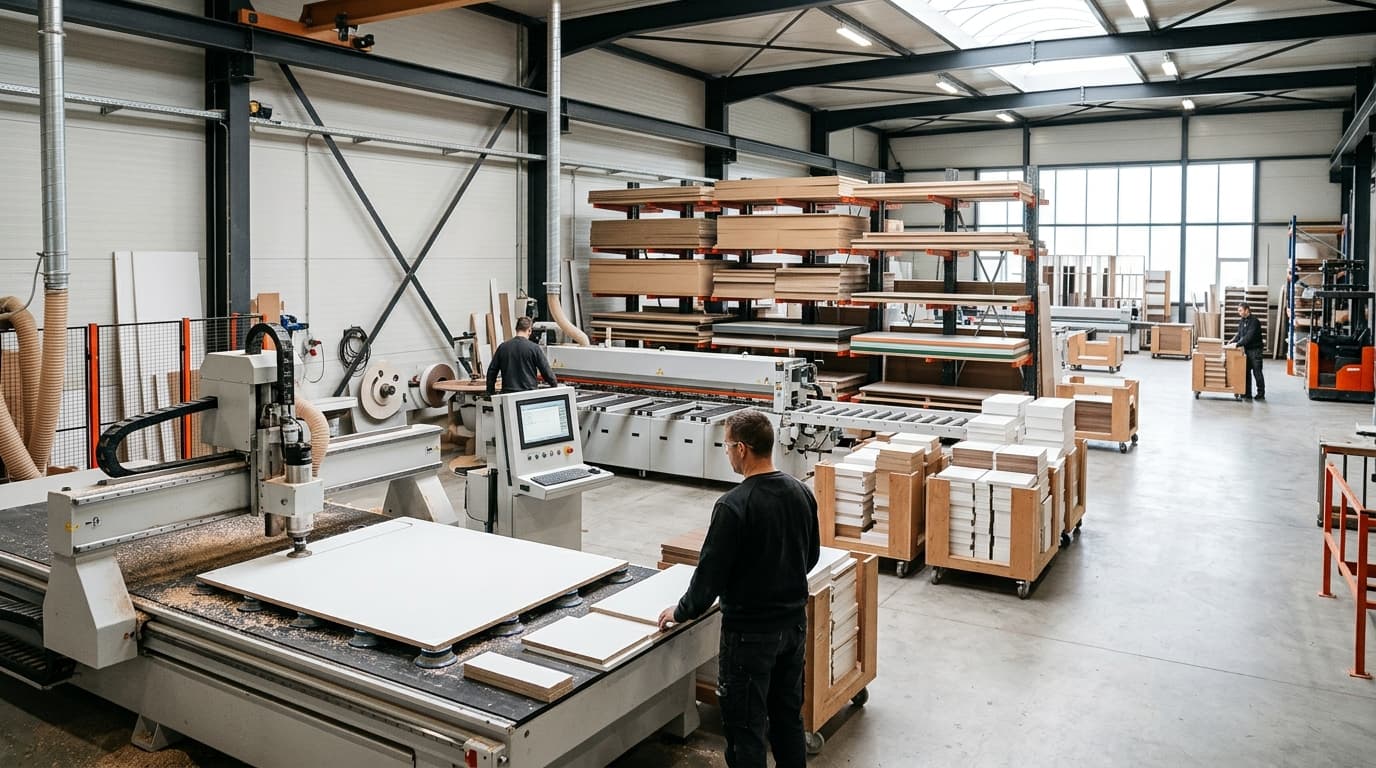
Furniture design software — Draw it on screen, cut it on the CNC.
moducut is furniture design software that turns drawings into production: cut lists, nesting, G-code and part labels come out of the same project. For Windows.
- 60+ companies
- get their cut lists from moducut
- 18% less waste
- per sheet, with automatic nesting
- 30 minutes
- average support reply time
The drawing ends, the machine starts.
Type in the sizes; the cut list, nesting, G-code and labels come out of the same project.
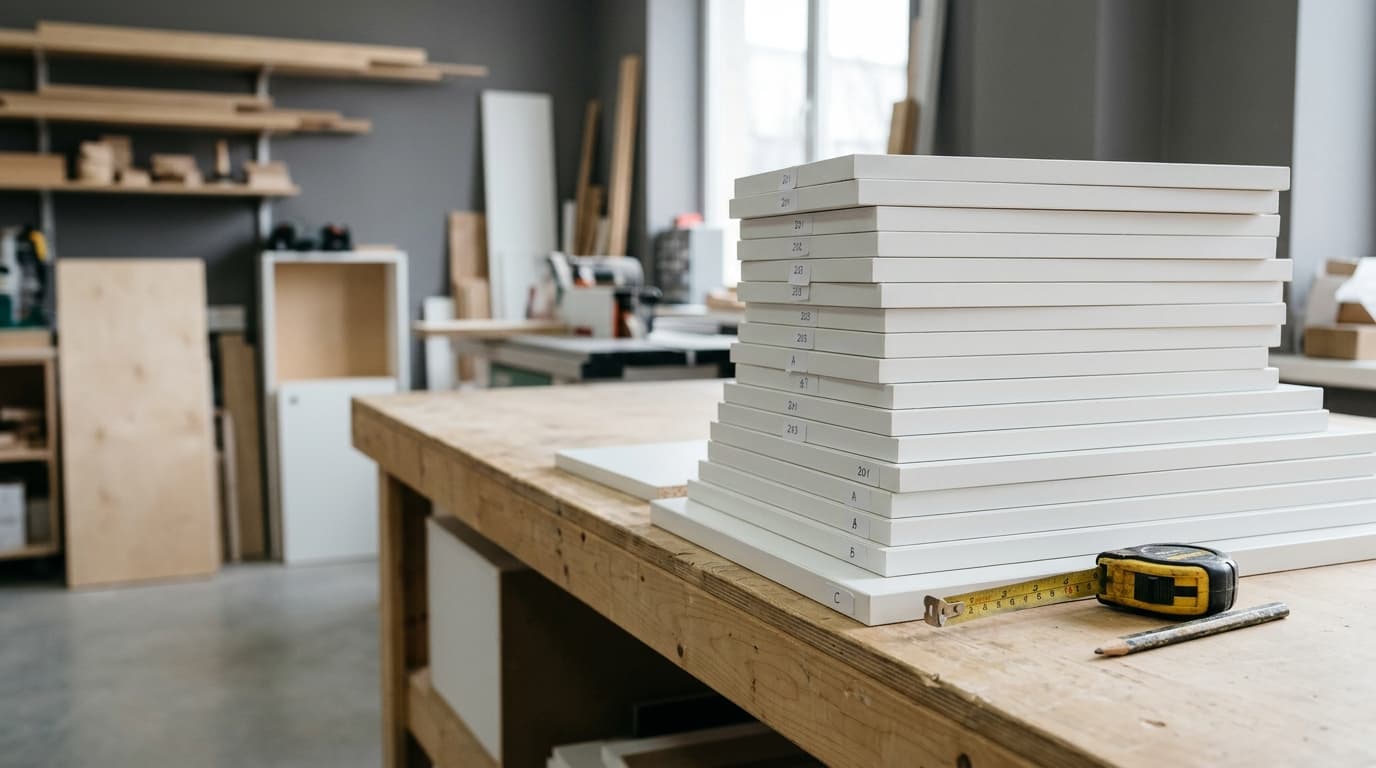 1Building the list0 parts · Export to Excel
Get the cut list
Parts, sizes, quantities, materials and banded edges are listed from the drawing automatically; export to Excel or print.
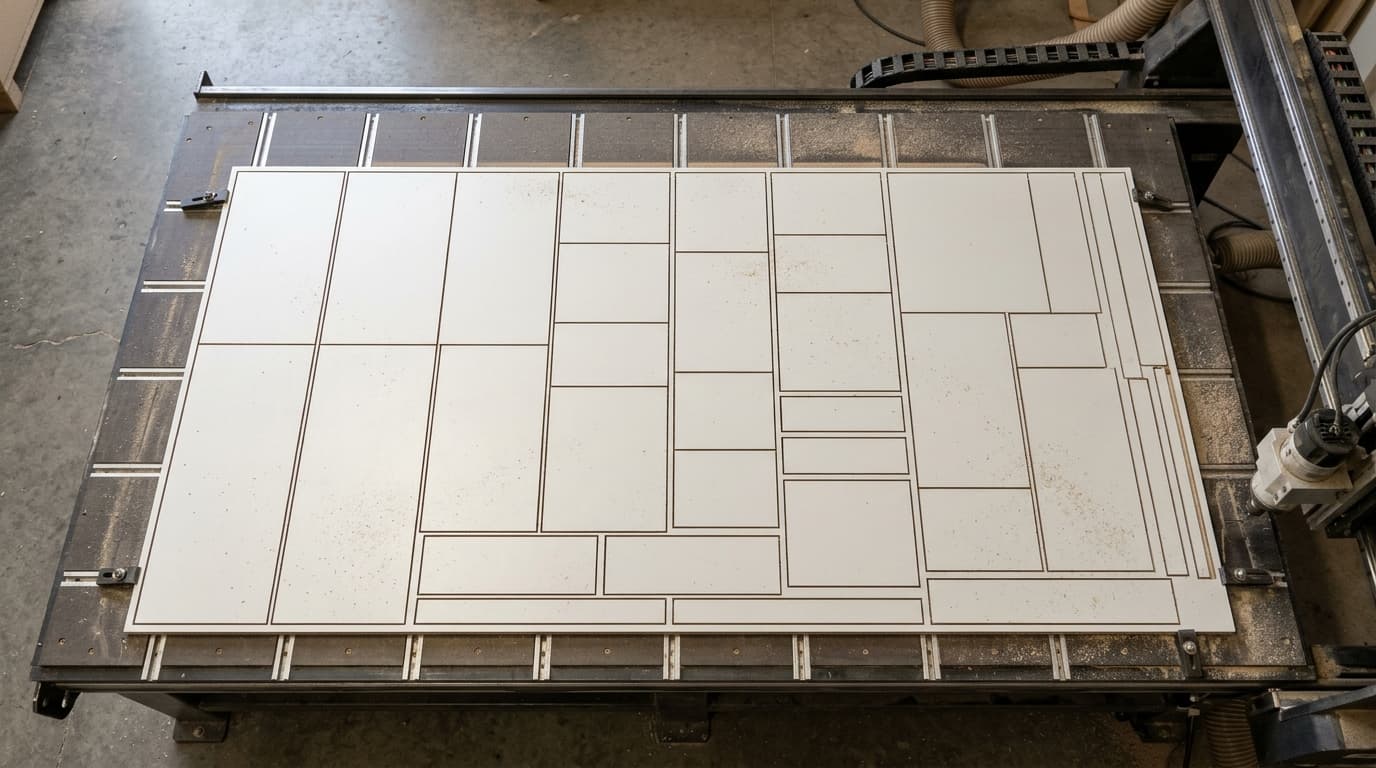 2Sheet 12 / 38 94%Waste 6% · grain direction kept
Nest it on the sheet
Parts are laid out on the sheet with saw kerf and edge trim and the least waste; grain direction is respected.
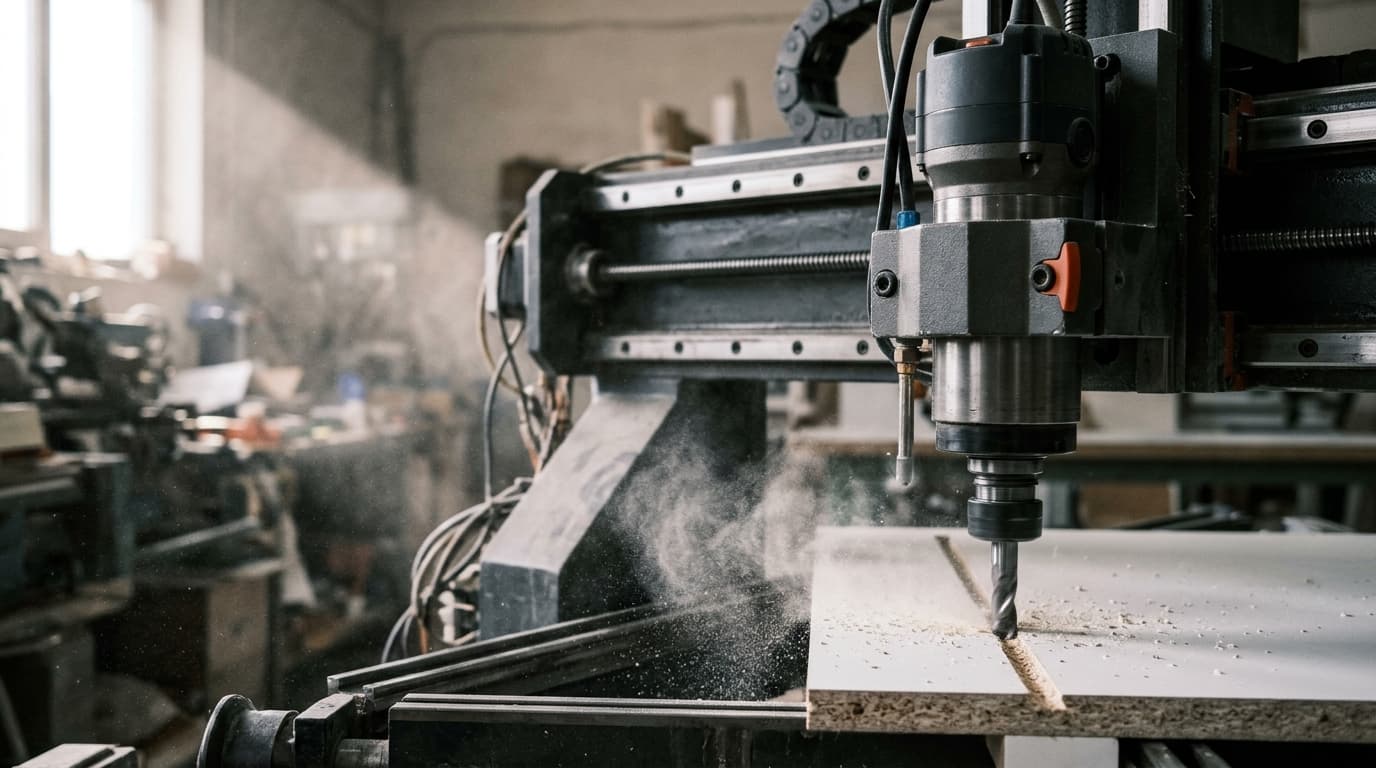
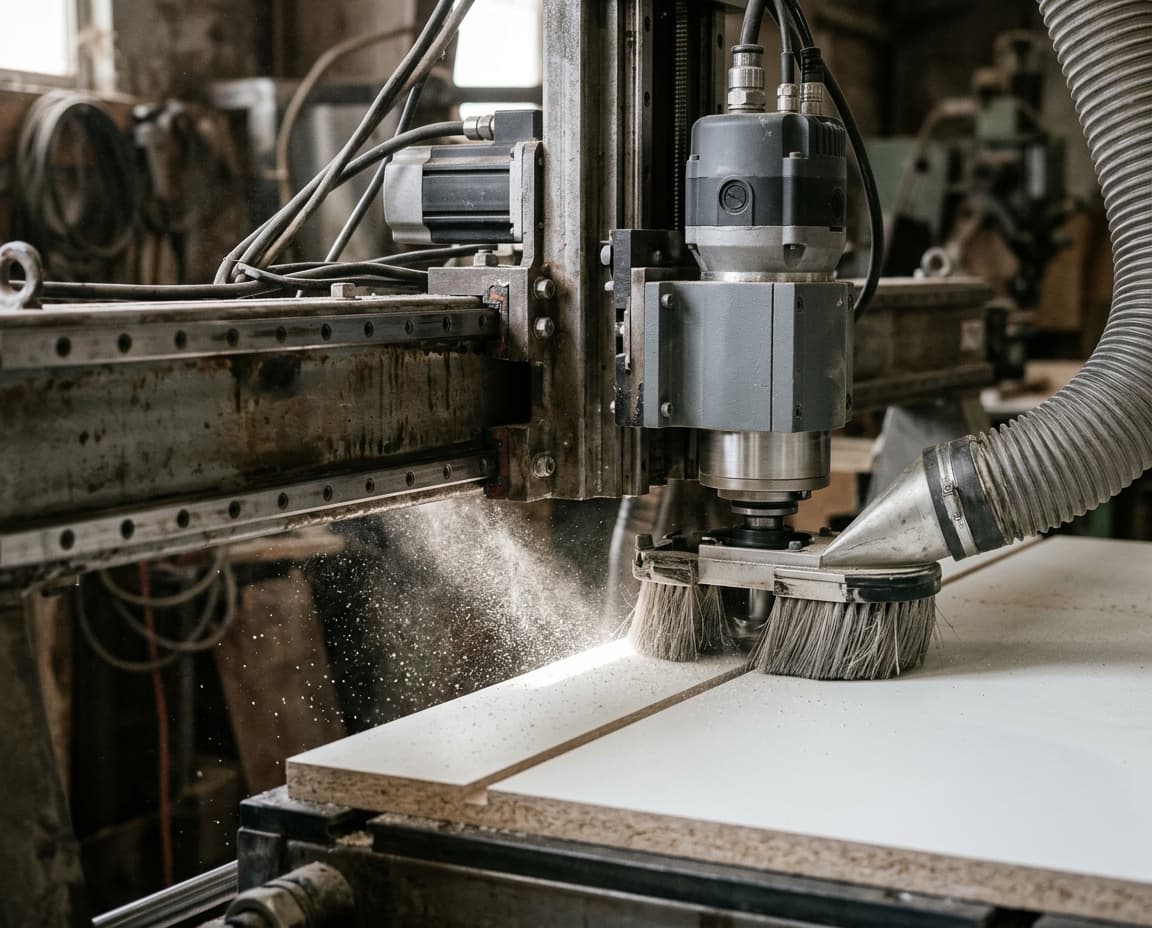 3Machine queuelevha_12.ncCuttinglevha_13.ncQueuedlevha_14.ncQueued
Let the machine cut
G-code is written automatically with your machine profile’s post settings; it works with the machine you already have.
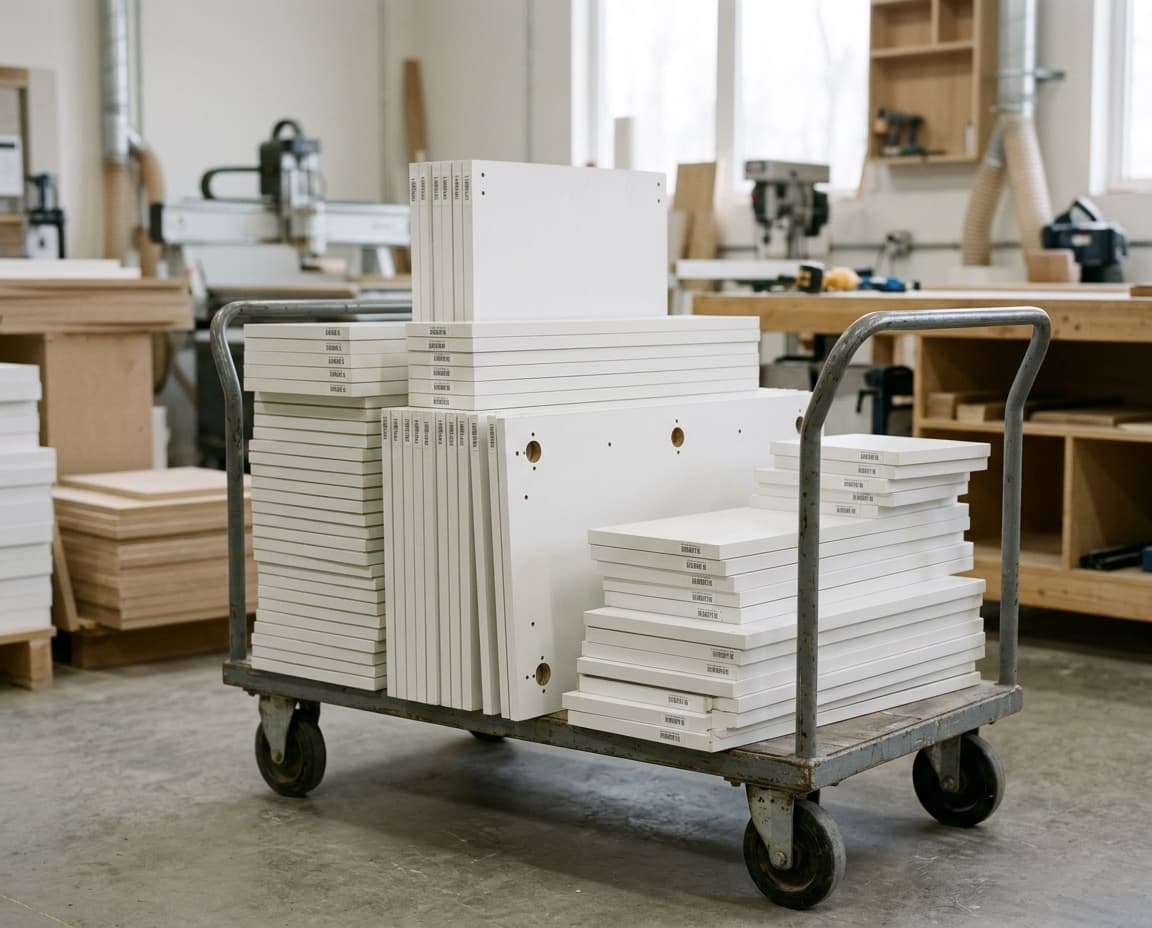
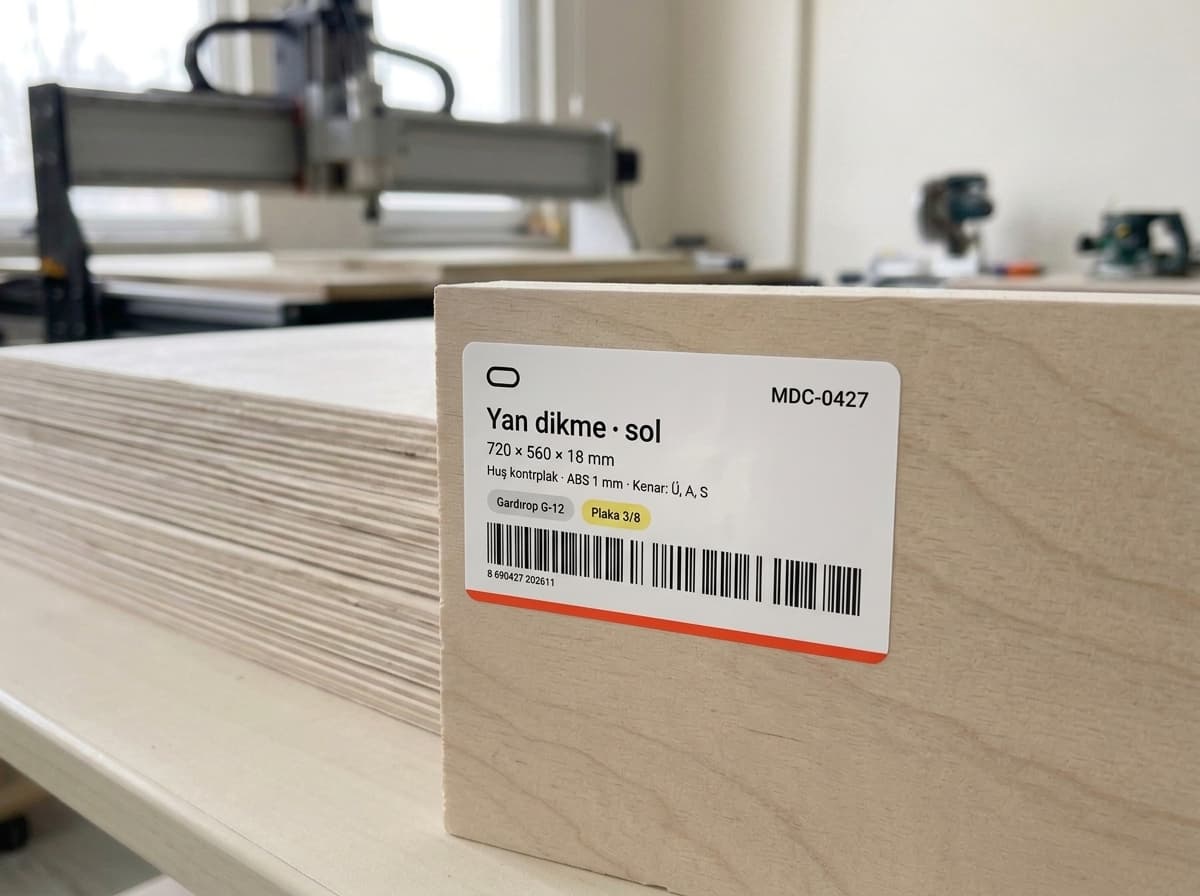 41,512 labels printed
Stick on the label
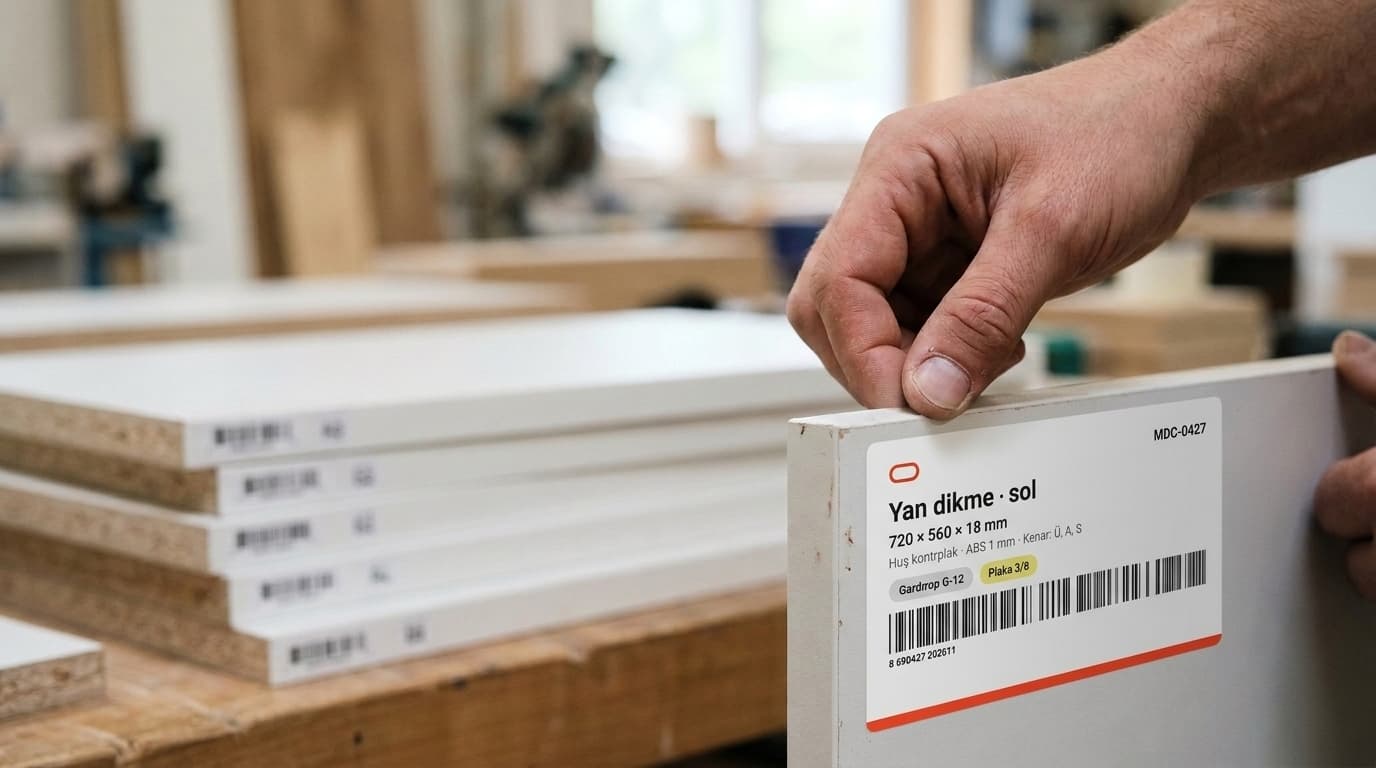
Part name, size, material and barcode on one label; the assembly sheet explains the build.
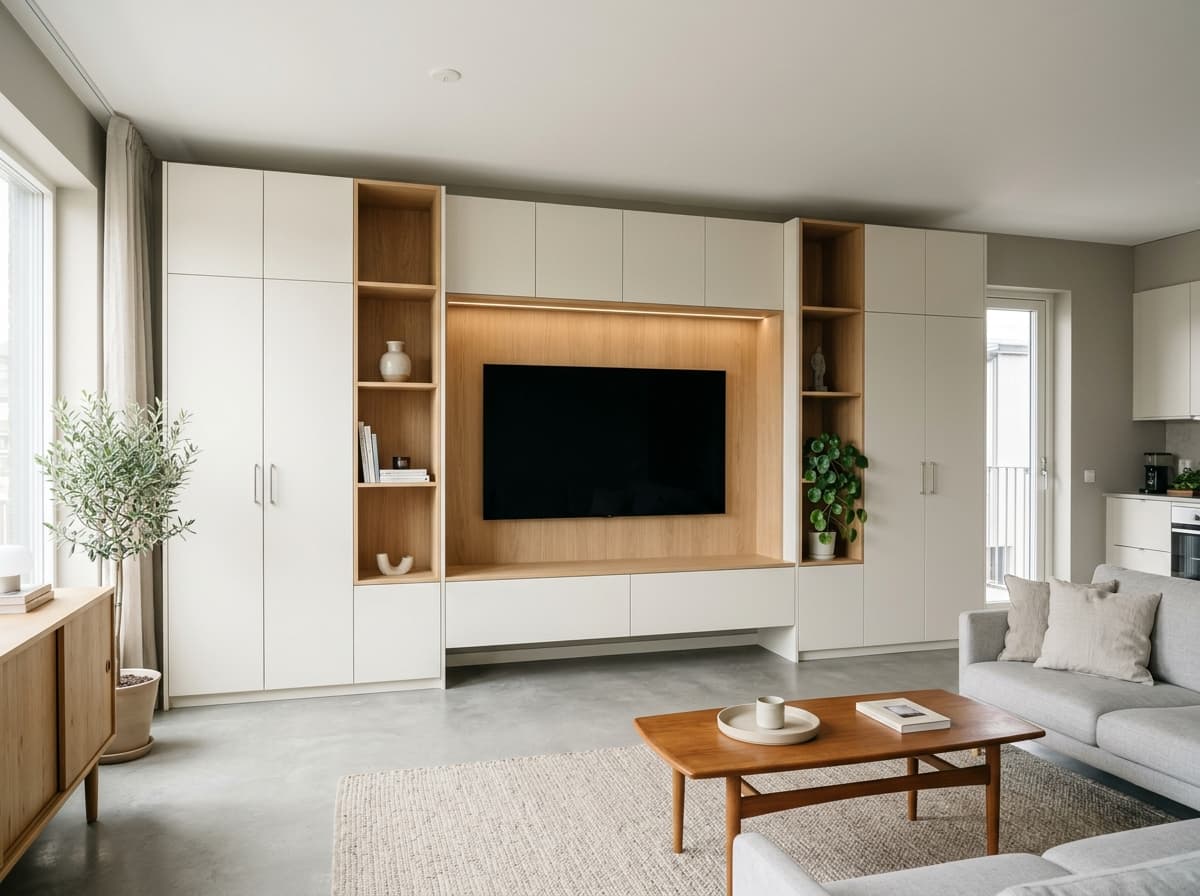
Draw the room,
the cabinets fall into place.
Enter the wall sizes and drop the module on the wall; where a column or beam is in the way, the module is notched automatically.
Your work is different.
So is your path
in moducut.
Architects, carpenters, kitchen and bathroom dealers, custom furniture makers, renovation companies and housing project manufacturers: design, sales or production, everyone finds the path that fits their work.
- 18%
- less waste
- 1,500+
- parts nested in seconds
Yearly or lifetime;
you choose the license.
With the 1-Year Plan every feature is unlocked for a year; with the Lifetime Plan the license never expires. Your license is activated right after payment and we do the setup with you.
PricingThrough our contact line
Message or call us; we set up the plan and payment with you. We reply in about 30 minutes on average.
Bank transfer
Send a bank transfer and share the receipt with us on WhatsApp; your license is activated the same day.
Bank transfer
Pay by international bank transfer; your license is activated as soon as it arrives.
No card needed
No card details are asked for on the website; we agree the plan with you before payment.
Works with
your current CNC.
No need to replace your machine: pick one of the ready profiles or add your own. moducut writes the cutting file as G-code; CIX for Biesse and DXF for CAM programs are ready too.
Frequently asked
questions
Can’t find what you’re looking for? Message us on WhatsApp; we reply in about 30 minutes on average.
Contact usmoducut runs on 64-bit Windows 10 and Windows 11 computers. The easiest way to check is the 7-day free trial on your own computer; if you like, we connect remotely and install it with you.
There is no feature difference; everything is unlocked in both. The 1-Year Plan renews every year; the Lifetime Plan is a perpetual license with no renewal. Prices: 1-Year Plan $299 per year, Lifetime Plan $1,249 one-time payment. See pricing
The interface and support are in English. The video tutorials have English titles and descriptions, and we can walk you through your first project remotely.
Yes. Base, wall, tall and wardrobe modules come ready in the library; build a bathroom cabinet, hallway unit or TV wall at your own size with Draw Module and save it to your library. Cut lists, hardware and costs come out the same way for all of them.
Most programs stop at the drawing. moducut produces the cut list, nesting, G-code, part labels, hardware list and quote from the same project; no separate CAM program or manual transfer needed.
moducut writes G-code with the post settings of the machine you pick from the machine list; Biesse profiles output CIX programs, and you can export sheets as DXF for your CAM program. If your machine is not on the list, message us and we will prepare its profile with you.
