Furniture CNC software: one flow from drawing to machine
Updated: CNC9 min readBy the moducut team
Summarize this article with an AI tool:
Short answer
What does furniture CNC software do?
A CNC machine cuts the file it is given; it does not know by itself what to cut. When people in a shop talk about “furniture CNC software”, they usually mean the software that prepares this file for the machine. The file carries:
- The position of each part on the sheet (layout)
- Cutting order and toolpath
- Drilling, groove and pocket operations (hinge cups, dowels, back panel grooves)
- Tool information (bit diameter, spindle speed and feed rate)
Without such software, this work is done in one of two ways. Either the parts are drawn one by one in a CAD program and the toolpaths created in separate CAM software, or the operator at the machine prepares the program by hand. Both work, but every size change means starting over. In a kitchen, when the width of a single cabinet changes by 5 cm, all the parts of that cabinet, the sheet layout and the machine file are prepared again.
Which steps should furniture CNC software cover?
1. Cabinet drawing
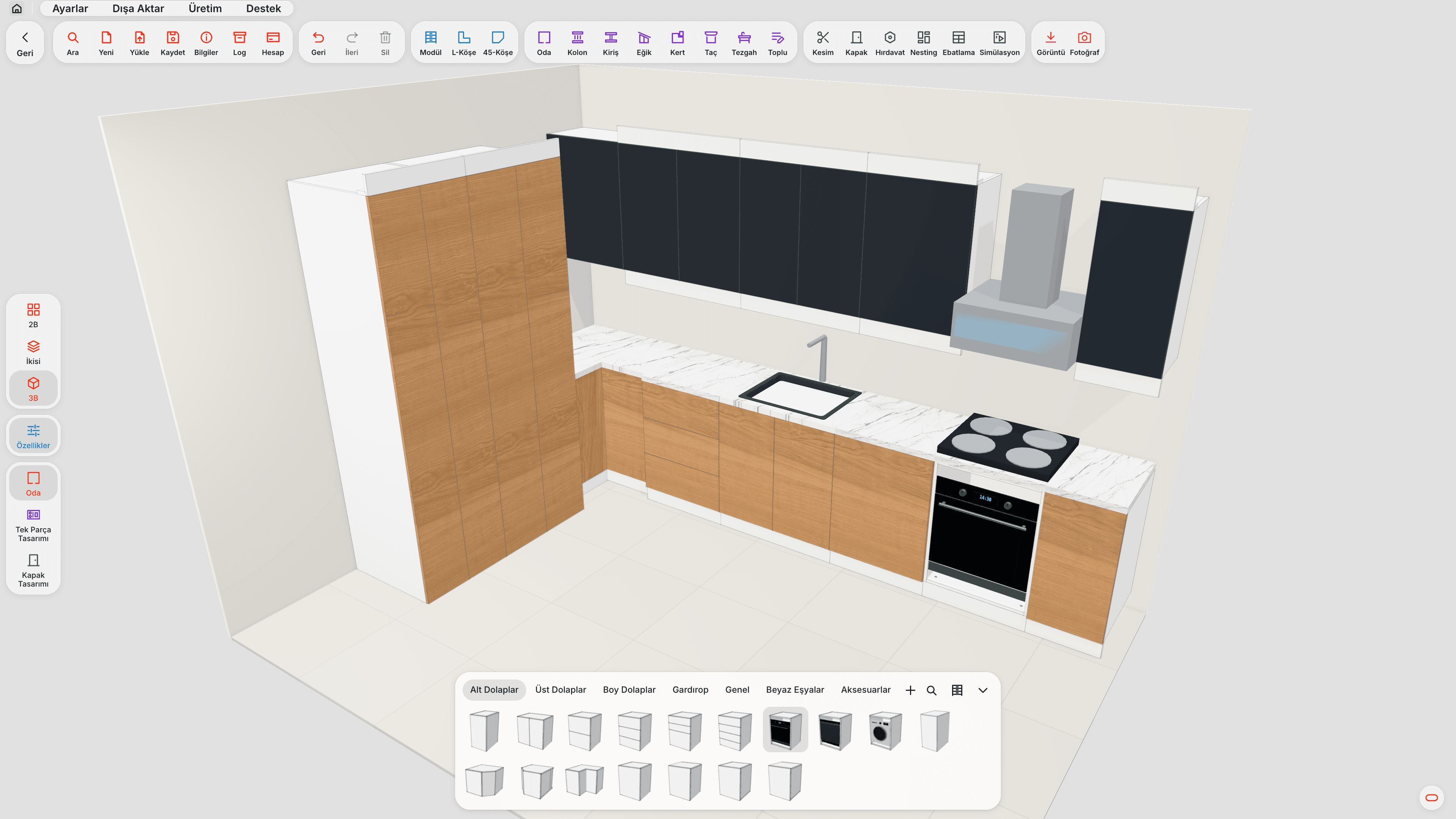
Base, wall, tall and corner cabinets are drawn to size. In furniture CNC software, a cabinet is defined not as a “box” but as a structure made of carcass, shelves, doors, drawers and back panel; the parts come out of the drawing on their own.
2. Cut list
The size, quantity, material, edge banding and grain direction of each part. Because the list comes from the drawing, it is not prepared by hand. We explained why the cut list matters in our furniture cut list software article.
3. Nesting (sheet layout)
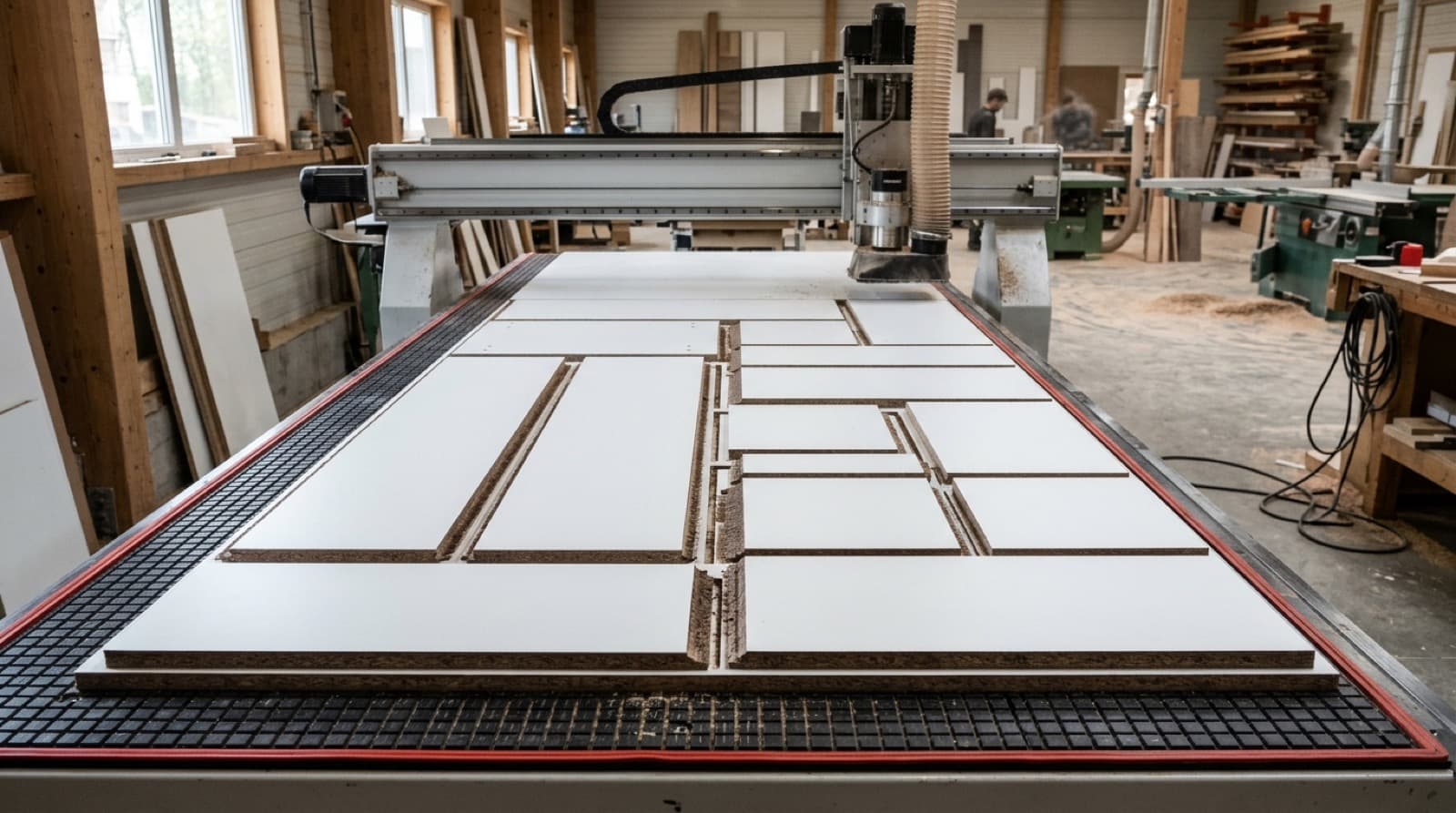
Parts are placed on the sheet with the least waste. Grain-locked parts are not rotated, and small parts go into the gaps between large ones. For the logic of nesting, see our panel nesting software article.
4. Machine file
From the layout, G-code or a file in the format the machine expects is produced. Because every machine's controller expects G-code slightly differently, the post processor (machine profile) comes in at this step. We explained the basics of G-code in our G-code for furniture CNC article.
5. Labels
A label carrying the cabinet and part name, size and banding information is printed for every cut part. Parts are not searched for or mixed up at assembly.
When these steps are done in separate programs, every handover needs exporting, importing and checking. When they are done in the same project, a single change carries through the whole chain.
7 criteria for choosing furniture CNC software
1. Compatibility with your machine
The software must be able to produce the G-code format your machine's controller expects. This is done with the post and tool settings in the machine profile. You should not have to change your machine for new software.
2. Files straight from the drawing
You should not have to draw the parts a second time in CAM. The drawing → list → layout → file flow should be in one project.
3. Nesting quality
The waste rate is directly your board cost. Grain direction, rotation rules and saw/bit kerf should be supported. A few points of difference in waste add up to a serious difference in boards over a year.
4. Drilling and groove operations
Operations such as hinge cups, dowels, cams, shelf pins and back panel grooves should come with the part. Otherwise a second setup at the machine or hand drilling is needed.
5. Learning time
If only a CAM specialist can use the software, production stops when that person is away. Choose an interface the shop-floor craftsman can also pick up quickly.
6. Interface and support in your language
When something goes wrong, being able to reach a support team that speaks your language and knows the shop floor matters. Machine file problems are usually urgent; production is waiting.
7. A chance to try it
Do not decide without trying it with your own job on your own machine. During the trial, take one project all the way through (from drawing to machine).
Where do shops moving to CNC struggle most?
File preparation time. The machine is fast, but preparing files for it is slow. The software that comes with the purchase often only creates toolpaths; the drawing and cut list are still prepared by hand. In the end the bottleneck is not at the machine but in the office.
Initial settings. Tool diameter, cutting depth, how the sheet holds on the table, the cutting order of small parts, and the tabs left so parts do not break free from the sheet. Once these settings are done right in the machine profile, they are not repeated on later jobs.
Size changes. When the customer asks for changes after the drawing, a shop working with separate programs rebuilds the whole chain. A shop working in one project only changes the drawing.
Dependence on one person. If only one person knows the software, the CNC stops on the day that person is off.
Manual preparation vs furniture CNC software
| Step | Manual / separate programs | Furniture CNC software |
|---|---|---|
| Part extraction | Each part drawn by hand | Automatic from the drawing |
| Cut list | Excel or by hand | Automatic from the drawing |
| Layout | Separate nesting program | In the same project |
| G-code | Separate CAM | In the same project, with the machine profile |
| Size change | All steps from scratch | Only the drawing changes |
| Labels | By hand or none | From the project |
The furniture CNC flow with moducut
In moducut you draw the cabinet; the cut list, nesting and machine file come from the same project. G-code is written for your existing machine using the post settings in your machine profile; DXF per sheet, and CIX files with Biesse profiles, can also be exported. Post and tool settings are done once in the machine profile; on later jobs you only draw.
You can see all the features of our furniture CNC software on the G-code and CNC page, and sheet layout on the Nesting page.
Frequently asked questions
Is furniture CNC software the same as a CAM program?
No. A CAM program is general-purpose; it produces toolpaths from drawn geometry. Furniture CNC software understands the cabinet in furniture terms (carcass, shelves, doors, banding) and extracts the parts from the drawing itself.
Will it work with my existing machine?
The G-code format your machine's controller reads is defined with the post settings. Before the trial, note down your machine's brand, model and controller.
Do I need to know G-code to use CNC software?
No. The software writes the G-code. What the operator needs to know is that the machine profile settings (tool, spindle speed, feed, depth) are correct.
I use a panel saw; is CNC software useful to me?
The drawing, cut list and nesting steps are just as useful with a panel saw. Instead of the machine file step, you print the cutting plan.
How long does it take to learn furniture CNC software?
With software that works with ready-made modules, the first cabinet can be drawn the same day. Setting up the machine profile takes time at the first installation, and is not repeated afterwards.