CNC nesting software: sheet layout, waste and choosing a method for furniture panels
CNC8 min readBy moducut
Summarize this article with an AI tool:
Short answer
What does CNC nesting software do?
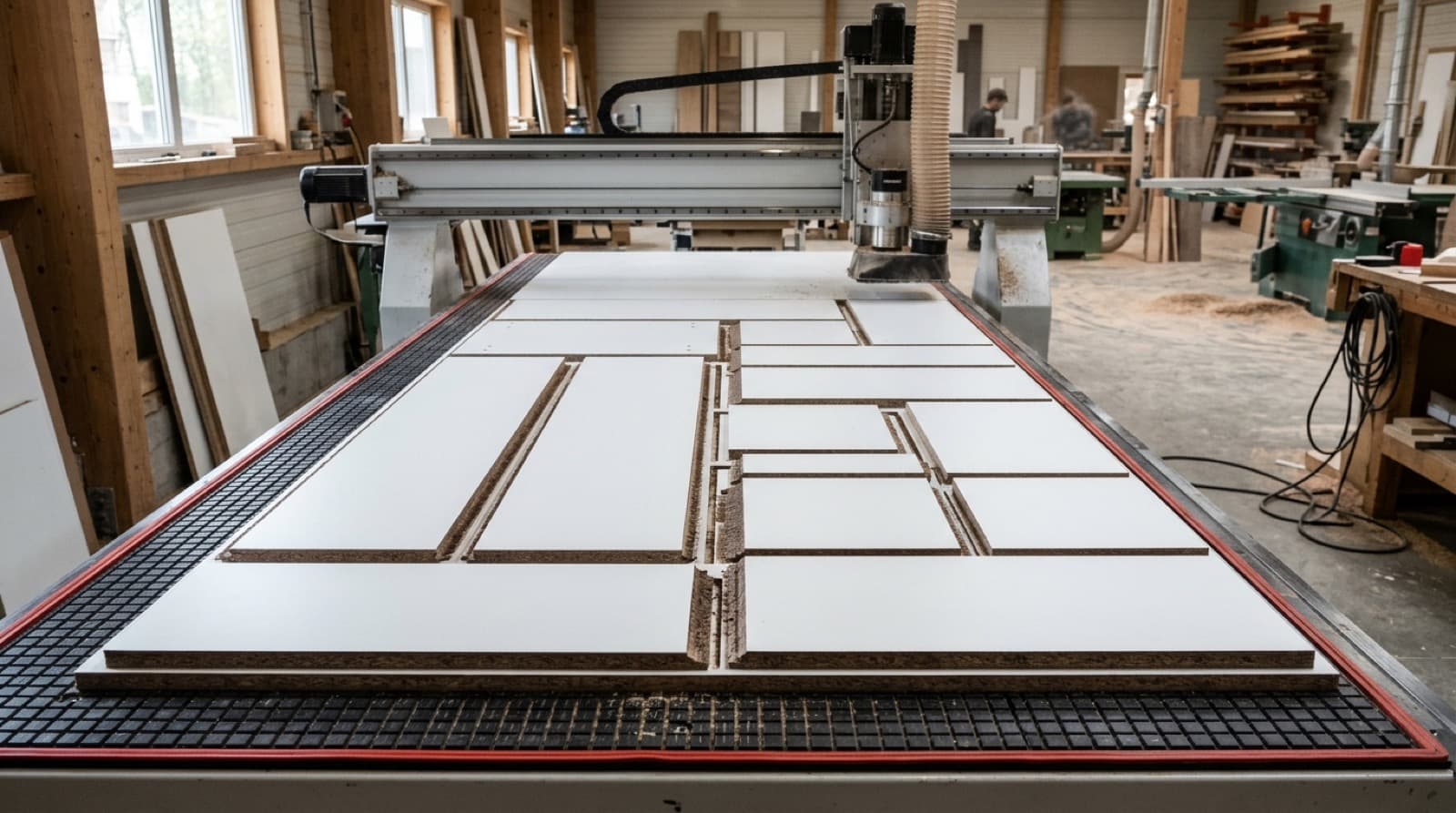
"Nesting" means fitting parts into a sheet tightly, with no wasted space between them. A kitchen project can have hundreds of parts: sides, tops and bottoms, shelves, doors, drawer boxes, plinths. Deciding by hand which sheet each part goes on, where and in which direction takes hours, and the result is rarely the best one.
CNC nesting software makes this decision for you and does three jobs:
- Layout: Distributes parts across sheets; rotates those that can be rotated and leaves grain-locked parts as they are.
- Cutting order: Decides which part is cut first. This matters so small parts do not shift on the table.
- Machine file: Produces the G-code the CNC will read from the layout.
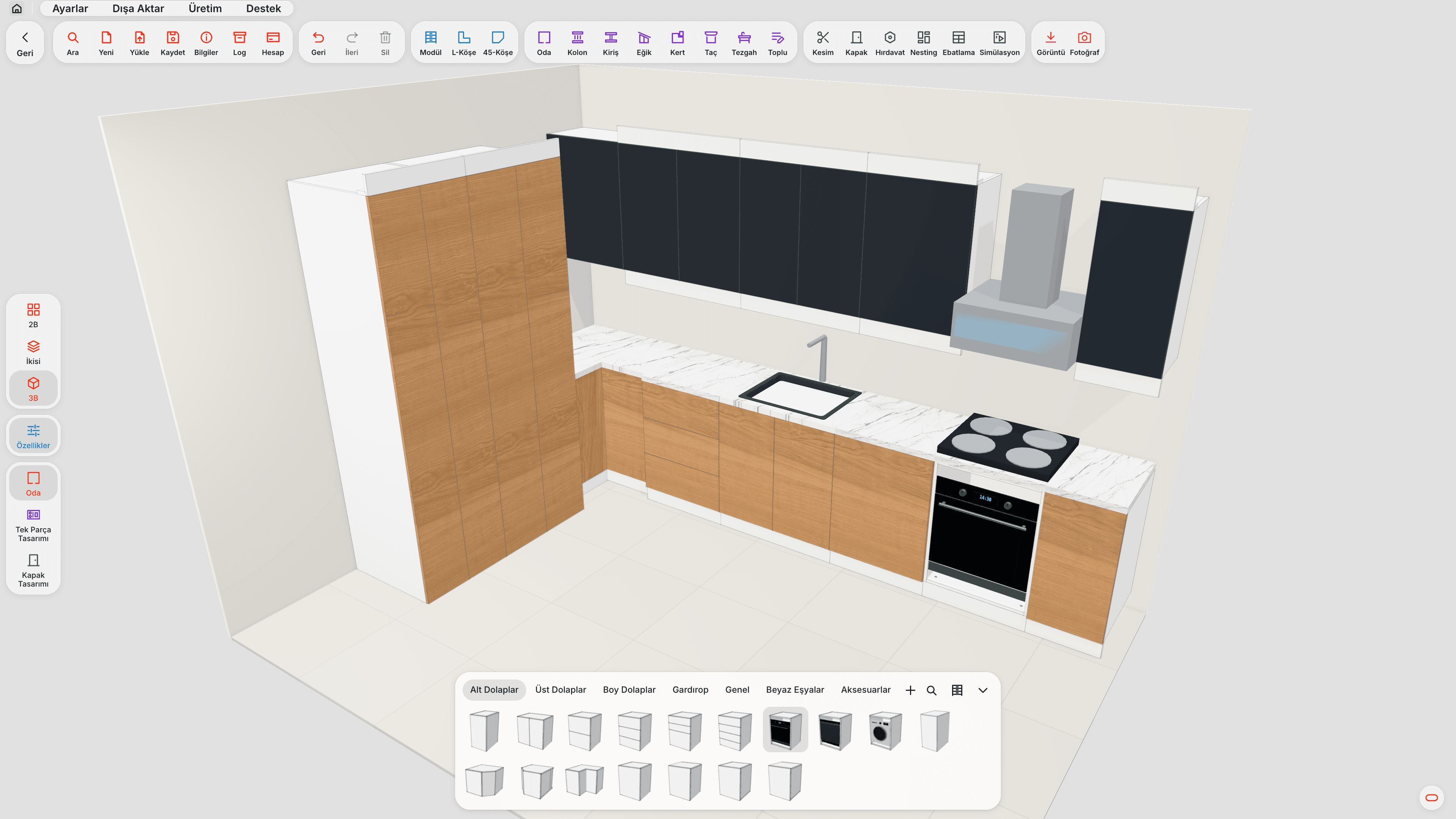
Dedicated furniture CNC software takes these three steps from the drawing: parts are not entered by hand, they come straight from the cabinet drawing.
What drives waste?
The waste rate is not only about how "smart" the layout is. Some losses are physically unavoidable, and the software has to account for them correctly.
| Factor | Effect on waste | Note |
|---|---|---|
| Cutter allowance | Every cut removes material as wide as the cutter | Noticeable with 6–8 mm cutters |
| Sheet edge trim | Trim left along the sheet edge | Needed if the factory edge is not clean |
| Grain direction | Grained parts cannot be rotated | Increases waste on woodgrain sheets |
| Part size mix | Gaps left between large parts | Small parts are placed in these gaps |
| Layout method | Free layout or straight cuts | Guillotine leaves more regular gaps |
| Offcut use | Reusing pieces left from previous jobs | Reduces the need for new sheets |
The easiest way to reduce waste is to see the sheet before it is cut. Good nesting software shows the fill rate of each sheet, so you can spot an almost empty sheet and redistribute parts.
What is the difference between CNC and guillotine layouts?
CNC (free) layout
Parts are placed freely on the sheet. The cutter goes around each part separately, so there is no need to follow a straight cutting line. Waste is usually lower, and shaped parts (curved doors, L-shaped parts) can go on the same sheet.
Guillotine (straight-cut) layout
Parts are arranged so the sheet can be divided by straight lines from edge to edge. This is required for sheets cut on a panel saw, because the saw cannot stop and turn in the middle of the sheet. Guillotine layouts can use vertical, horizontal or mixed strips.
Which should I choose?
- If sheets are cut on a CNC router: CNC layout.
- If sheets are cut on a panel saw and the CNC only drills and grooves: guillotine layout.
- If there are shaped parts (L shapes, corner notches, curves) and you use a saw: you need to know these parts cannot be cut with a saw; the software should warn you.
In moducut, the layout method is chosen in the nesting settings: CNC or guillotine (mixed, vertical, horizontal). If sheets are cut on a saw, you get a warning for parts with inner corners the saw cannot cut.
Why does cutting order matter as much as layout?
On a CNC table the sheet is held down by vacuum. As cutting progresses the sheet is divided into parts and the surface the vacuum holds gets smaller. If a small part is left until last, it can move once it is cut free all around; that means a size error or a chipped edge.
So the cutting order should not be random. In moducut, for single-pass cutting the order starts with the part closest to the corner where the machine starts and continues with parts on the outer area of the sheet that do not split the remaining material when cut. As the sheet is cut, small parts are moved forward so they are cut before the vacuum weakens. Large parts are left until last.
To see the cutting order without cutting the sheet, you use the cutting simulation: the screen shows step by step which part the software will cut and when.
How do offcuts fit into nesting?
Every job leaves an irregular gap on the sheet. That gap is often big enough for the next job, but because of its odd shape it ends up on a shelf and is forgotten.
When moducut's offcut cutting option is on (it is off by default), the largest rectangle is separated from the irregular gap with a single straight cut; a gap that is already rectangular is not cut again. The size of each offcut is shown in the cutting simulation, so it is clear which offcut can be used for which job.
What should you check after nesting?
Even if the layout looks good on screen, check a few things before sending it to the machine:
- Are the holes on the right face? If a part is rotated or flipped in the layout, its holes must move with it. After nesting, moducut compares each part's holes with their positions in the model (hole verification) and shows any that do not match.
- Are reverse-side operations separated? A groove or hole on the underside of a part needs a second program. moducut provides these as separate flip-side programs.
- Is the fill rate reasonable? If the last sheet is barely used, it may be possible to move its parts to another sheet.
- Is the grain direction correct? Do the doors and visible sides have their grain running the same way?
We covered the basic logic of nesting in our sheet optimization software article, and the machine file step in G-code for furniture CNC.
Standalone nesting software or the same program as the drawing?
There are also nesting programs that only do layout. You give them a parts list (usually Excel or CSV) and they produce the layout and cutting file. This approach works, but it has two weak points:
- Hole and groove data: A part that arrives only as a size list has no hinge holes, dowels or back panel groove; these are defined separately.
- Changes: If the customer narrows a cabinet by 5 cm, the list is prepared again and nesting is redone.
In furniture CNC software that works in the same program as the drawing, the part arrives with its holes and edge banding; changes are made only in the drawing.
| Standalone nesting software | Same program as the drawing | |
|---|---|---|
| Part input | List is imported | Comes straight from the drawing |
| Holes / grooves | Defined separately | Come with the part |
| Size change | List and layout redone | Only the drawing changes |
| Hole verification | Usually none | Model is compared with the sheet |
You can see moducut's sheet layout features on the Nesting page.
How should sheet and part data go into nesting?
Nesting software's decisions are only as good as the information it is given. Before running the layout, make sure the following are correct:
- Sheet size and thickness: The same decor can come in different sizes from different suppliers (e.g. 2100 × 2800 or 1830 × 3660). A wrong sheet size invalidates the whole layout.
- Grain direction: On woodgrain sheets, which parts have vertical grain and which have horizontal grain. This is critical for doors and visible sides.
- Cutter allowance: The diameter of the cutter you use. If you cut a layout prepared for a 6 mm cutter with an 8 mm cutter, the parts come out small.
- Edge trim: The trim left along the sheet edge if the factory edge is not clean.
- Edge band allowance: Reducing the part on banded edges according to band thickness. If this is forgotten, the banded part comes out oversize.
- Categories: Sometimes you want to cut only the carcass parts and leave the doors for another sheet or another day. Being able to choose which part groups go into nesting makes this easier.
In furniture software this information is entered once in the sheet and material definitions and is not asked again in later jobs. In standalone nesting software, it has to be checked with every parts list.
What if a project uses more than one sheet type?
Kitchen projects usually have at least two sheet types: 18 mm for the carcass and 5–8 mm for the back panels. Doors may be in a different decor and drawer bottoms in thin board. Nesting is done separately for each sheet type; when the software shows the sheet count and fill rate for each type separately, it is clear how many of each sheet to order.
Frequently asked questions
How much does CNC nesting software reduce waste? It would not be right to give an exact figure; waste depends on part sizes, grain direction rules and sheet size. Compared with manual layout, the clearest gain comes from placing small parts in the gaps between large parts.
Are grained parts rotated? No. Grain-locked parts are not rotated in the layout; on plain (solid colour) sheets parts can be rotated freely.
Can nesting be used for a panel saw? Yes, but with a guillotine (straight-cut) layout. Because a saw can only divide the sheet with straight lines from edge to edge, the layout is made accordingly.
Why do small parts shift on a CNC? As cutting progresses, the surface held by the vacuum gets smaller. If a small part is left until last, it can move. That is why a cutting order that brings small parts forward matters.
Which operating system does the nesting software run on? moducut is a Windows desktop program; every step, including nesting, runs on your computer.