What is a CNC post processor? How to produce G-code that suits your machine
CNC8 min readBy moducut
Summarize this article with an AI tool:
Short answer
What does a post processor do?
Dedicated furniture software first calculates a machine-independent cutting plan: which part, in which order, with which tool, at which depth. This plan is not yet a file the machine can read.
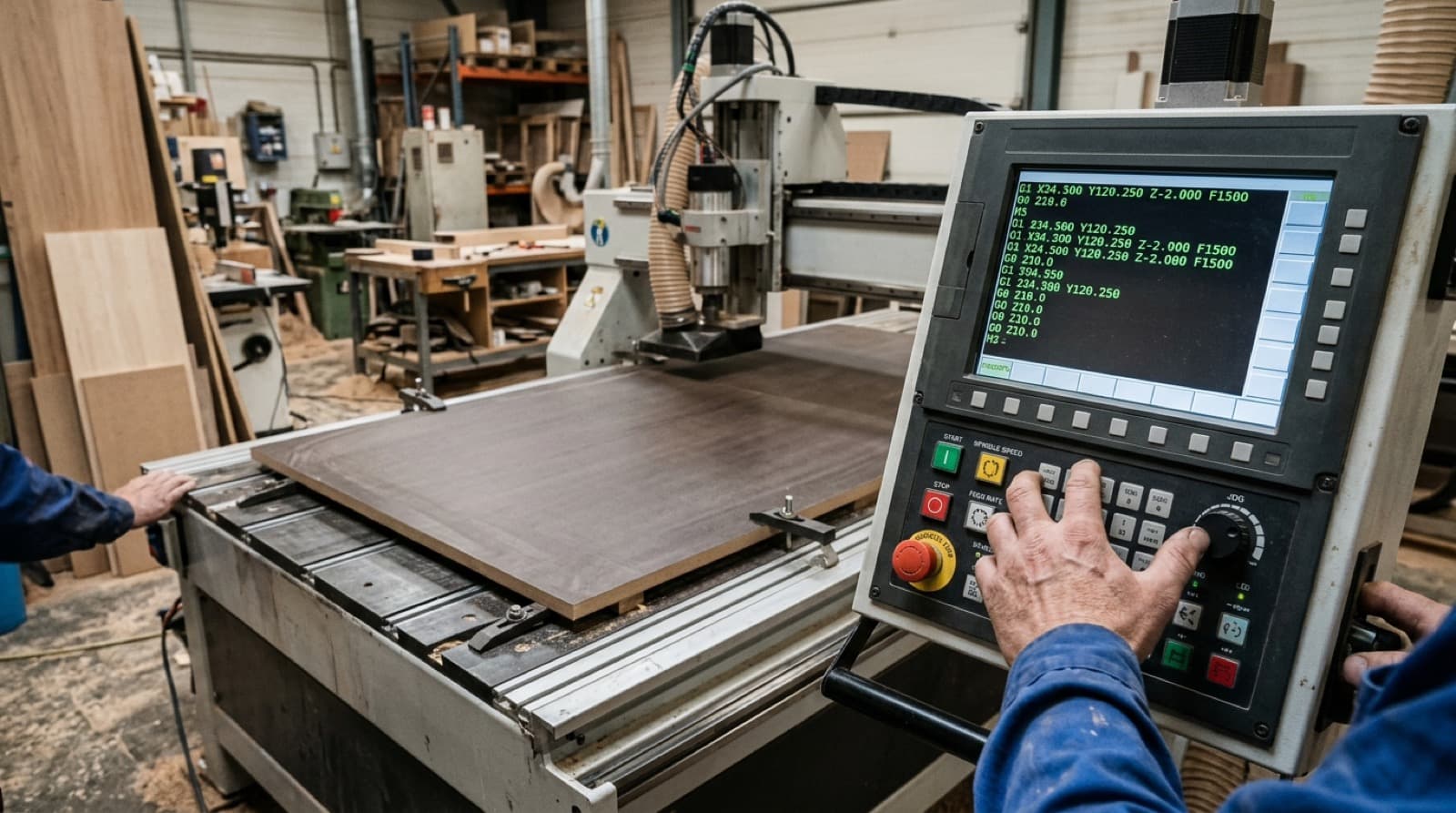
The post processor takes this plan and writes it in your machine's "language". G-code may look like a common language, but every controller has its own dialect. For example:
- Which lines should be at the start of the file (absolute coordinates, units, work zero)?
- How is the tool changed: which command on an automatic changer, how does it pause for a manual change?
- When is the spindle started and stopped?
- How does the file end; does the machine go to a park position?
- Are line numbers and comment lines used?
- How many decimal places are numbers written with?
The answers vary from machine to machine. The post processor defines these answers once and produces files with the same rules for every job after that.
Are a post processor and a machine profile the same thing?
In everyday use they often mean the same thing, but a machine profile is broader. The post processor is the file's writing format; the machine profile also carries the machine's physical information.
| In the machine profile | What it describes |
|---|---|
| Post (writing format) | Header, footer, tool change, spindle commands |
| Table size | The largest area the machine can cut |
| Zero point | Which corner cutting starts from |
| Tools | Cutter and drill diameters, spindle speed, feed rate |
| Depth settings | Overcut into the spoilboard to cut through the sheet |
| Motion speeds | Rapid, plunge and cutting speeds |
So even if the post is correct, a wrongly entered tool diameter will spoil part sizes. Both must be correct together.
What does a wrong post lead to?
A wrong or incomplete post is the most common cause of these problems:
- The machine will not open the file: The controller does not recognise the header line or meets a command it does not expect.
- The tool does not change: Where the file should switch to the second tool it continues with the first; a groove is cut instead of a hole.
- The cut stays incomplete: If the depth or overcut is wrong, the part does not separate fully from the sheet.
- Sizes shift: If the zero point is in a different corner, the whole layout is mirrored or shifted.
- The spindle runs idle: The spindle starts too early or stays on while parking.
Some of these errors waste sheets before anyone notices. So when moving to new software or a new machine, the first file should always be tried on a scrap sheet or in the air (above the table, with no sheet).
How is a post set up in furniture CNC software?
There are two ways.
1. Choosing from the software's ready-made profiles
The software comes with ready-made profiles for common machines. If your machine's brand, model and controller are on the list, you select and use it. You still need to check tool diameters and speeds against your own tools.
2. Requesting a profile for your machine
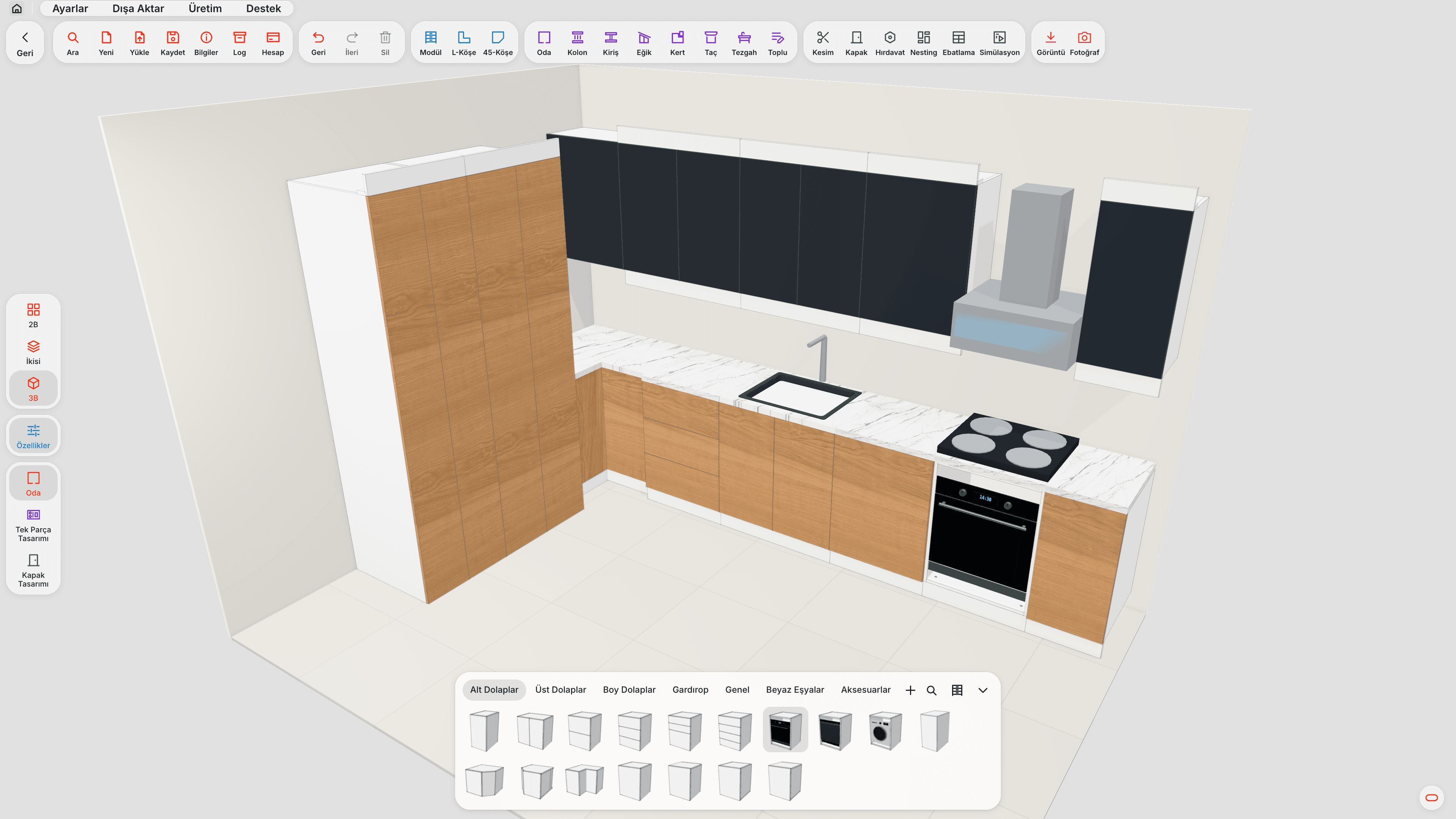
If your machine is not on the list, a profile is prepared in the format your machine expects. This is how machine profiles are added in moducut: in the CNC settings, use "Request machine" to enter your machine's brand and model, controller and file extension. When the profile is ready it arrives as an update and appears in your list.
Having the following ready speeds up the request:
- The machine's brand and model
- The controller (e.g. Mach, Syntec, DSP, Weihong)
- The file extension the machine reads (.nc, .tap, .gcode…)
- If possible, a sample file that has run on the machine without problems
- Is there an automatic tool changer, and how many tools?
The sample file is the most valuable piece of information: it clearly shows which header and which tool change the machine expects.
How do I know the post is correct?
Run a few checks before sending to the machine:
- Start and end of the file: Compare with a file that has already run on the machine. Header and footer lines should be similar.
- Tool changes: Is there a tool change command at every switch to a new tool?
- Simulation: Watch the cut on screen. In moducut, the cutting simulation shows the toolpath and cutting order without cutting the sheet.
- First run: Try the first file on a scrap sheet or at low speed.
We explained what G-code lines mean in our G-code for furniture CNC article.
How do flip-side operations affect the post?
Some parts have operations on both faces: a hinge cup on the top face and a groove on the underside, for example. The CNC works the sheet from one face only; for the second face the part is flipped and a separate program is run.
This second program is written with the same post, but the zero point and coordinates are relative to the flipped part. moducut provides these operations as separate flip-side programs, so the operator does not mix up which part to flip and which program to run.
Post processors and choosing furniture CNC software
When choosing furniture CNC software, the question "does it work with my machine?" really means "is there a correct post for my machine, or can one be set up?" When evaluating, look at:
- Is your machine on the ready-made list, and if not, how is a profile added?
- Can you change tool, depth and speed settings yourself?
- Can you see the file in a simulation before sending it to the machine?
- Are flip-side operations split into a separate program?
You can find moducut's machine file features on the G-code and CNC page, and the flow from drawing to machine in our furniture CNC software article.
Why do tool settings matter as much as the post?
Even if the post sets up the file format correctly, the cut will still go wrong if the tool information is wrong. The machine profile holds the following for each tool:
| Tool data | What happens if it is wrong? |
|---|---|
| Diameter | Part size comes out larger or smaller by the diameter difference |
| Spindle speed | Burnt edges or a broken cutter |
| Feed rate | Too fast breaks the cutter, too slow burns and takes long |
| Plunge rate | The cutter is strained entering the sheet |
| Step depth | Trying to cut thick board in one pass wears the cutter |
Once you have entered tool settings correctly, remember to update the profile when you change a tool (e.g. fitting an 8 mm cutter instead of a 6 mm one). A new tool with an old profile means parts with shifted sizes.
Are drilling tools defined separately?
Yes. Hinge cup, dowel and shelf pin holes are usually drilled with separate drill bits. On a machine with an automatic tool changer the program changes the tool itself; on a machine without one the file stops at the tool change and waits for the operator. The post also determines how this pause is written.
Is pen marking a tool too?
Some workshops draw marks on parts with a pen before cutting (for example to show the edge to be banded). In moducut, pen marking is defined as a separate pen tool; it draws without the spindle turning. This is also set separately in the machine profile.
Frequently asked questions
Can I write the post processor myself? Technically it is possible, but a small mistake wastes sheets. Requesting a profile with a sample file that has run on the machine is safer.
Does the same post work on two different machines? If the controllers and table sizes are the same, it often does. If they differ, a separate profile should be used for each machine.
Does a DXF file need a post? DXF is a drawing file and carries no machine commands; the machine's own software produces a toolpath from it. G-code, on the other hand, is a direct machine command and needs a post.
What should I do if my machine is not on the list? In moducut, send your machine's details with "Request machine" in the CNC settings; when the profile is ready it arrives as an update.
Are my old projects affected when the post changes? The project drawing does not change; only newly exported machine files are written with the new profile. You need to export old files again.