Grain direction on boards: how to place patterned parts
Updated: Cutting plans7 min readBy the moducut team
Summarize this article with an AI tool:
Short answer
What is grain direction?
The decor on the surface of woodgrain melamine chipboard and MDF imitates the fiber direction of real wood. The direction in which this pattern runs is called the grain direction. On standard sheets (for example 2800 × 2100 mm or 3660 × 1830 mm) the grain is usually parallel to the long edge of the sheet; however, this needs checking for every manufacturer and every decor.
Plain-colored boards (white, grey, anthracite) have no grain direction. Some textured surfaces (brushed, lined textures) have a texture direction even without a pattern, and the same rule applies.
Why does grain direction matter?
Doors lined up side by side in a kitchen are expected to have the pattern running the same way. If one door is cut with vertical grain and the one next to it with horizontal grain, the difference is visible at first glance. This mistake is usually noticed at installation and the part is cut again: a loss of board, labor and delivery time.
Grain direction matters not only for looks but in some cases for strength too. On real wood veneer boards, the fiber direction of the veneer affects how the part moves and its tendency to crack.
How is grain direction written on the cut list?
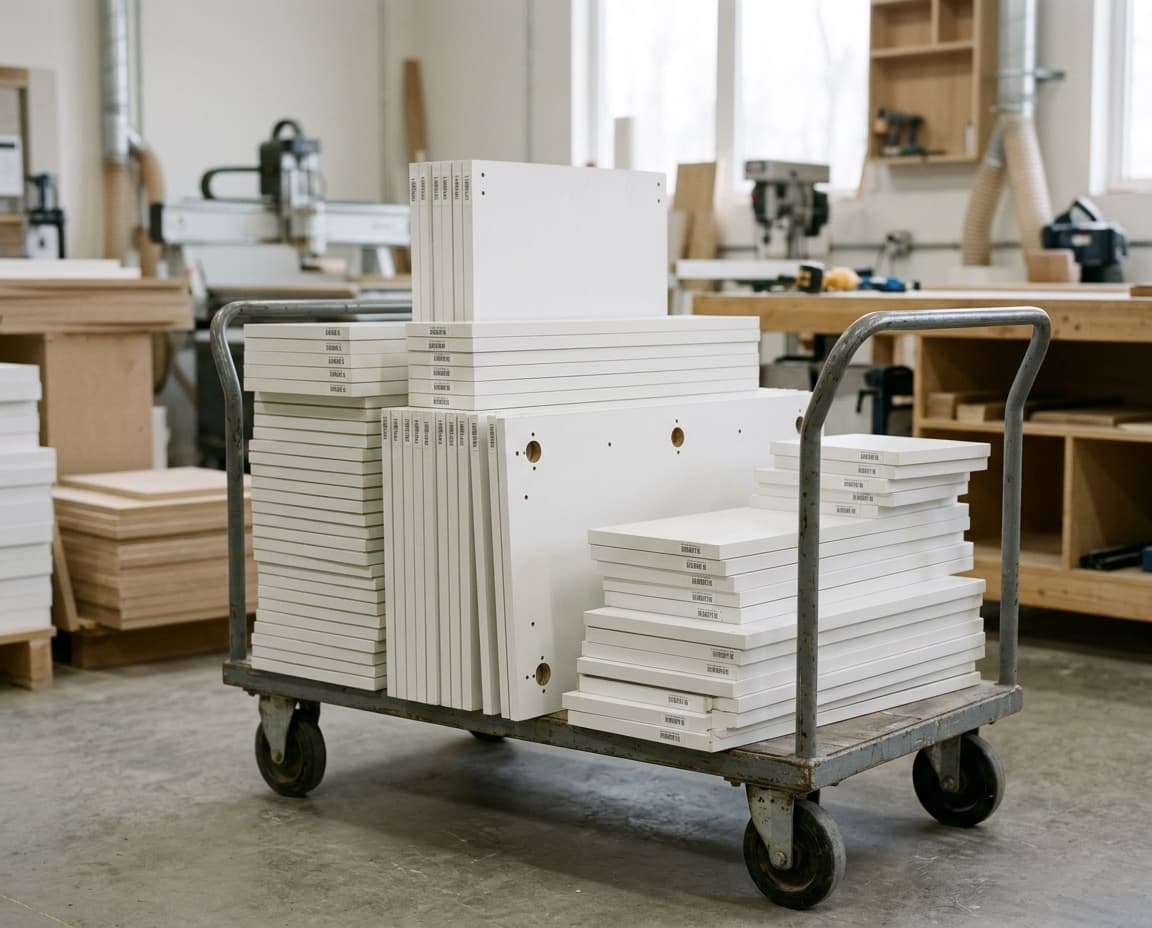
The common rule in workshops is: part sizes are written “length × width”, and length is the size along the grain. For example, a door 720 mm high and 396 mm wide whose grain should run vertically is written “720 × 396”. If the same door is wanted with horizontal grain, it is written “396 × 720”.
This rule must be the same across the whole team. If the person who draws, the person who prepares the list and the person who cuts are different, the rule should be written down somewhere; otherwise the same list gets read two different ways.
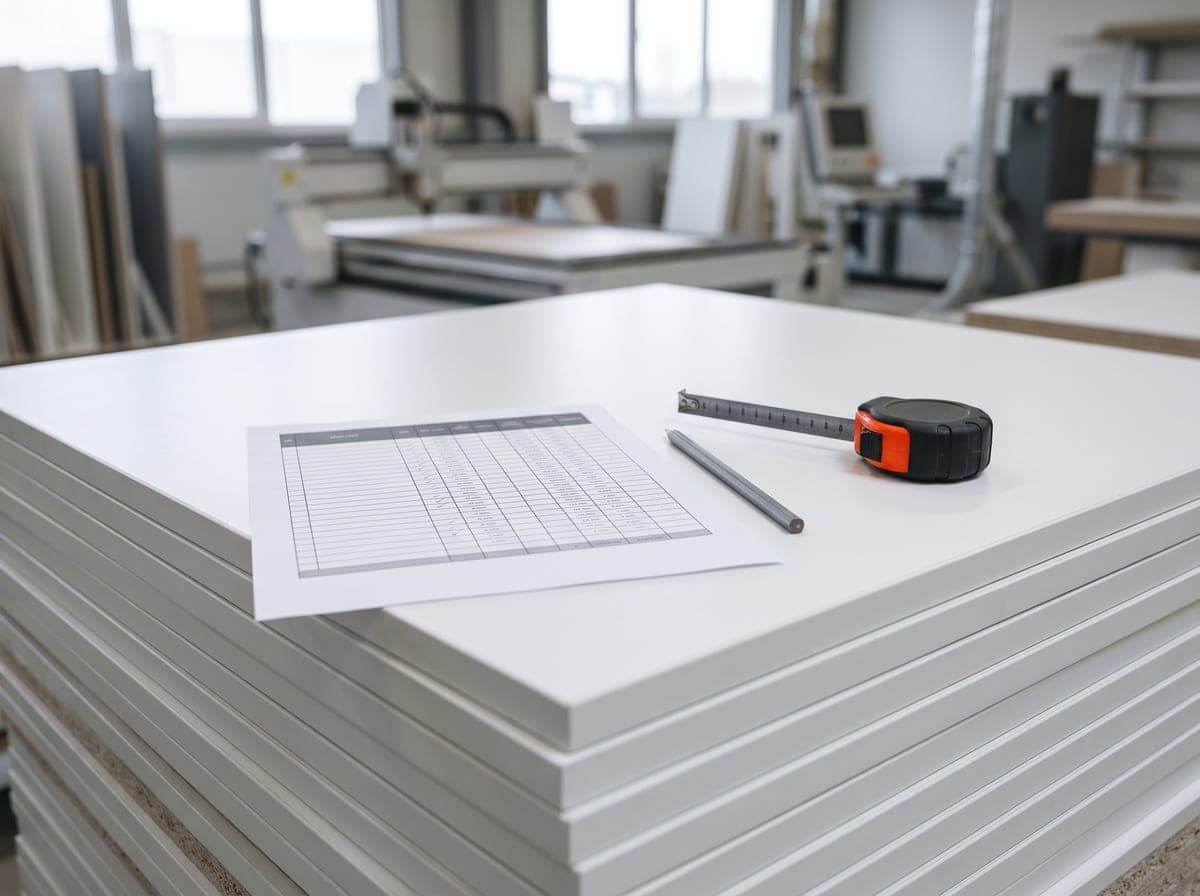
The list also keeps rotatable / not rotatable information for each part. This is passed on to the software that prepares the cutting plan or to the person running the panel saw.
Which parts should be locked?
| Part | Grain locked? | Why |
|---|---|---|
| Doors and drawer fronts | Yes | The most visible surface |
| Visible end panel (side at an open end) | Yes | Should look the same way as the doors |
| Plinth and fillers | Usually yes | Visible below the doors |
| Shelves inside the carcass | Often not | Hidden behind doors |
| Drawer box | No | Not visible |
| Back panel | No | Not visible |
This distinction makes a big difference in waste between parts cut from the same sheet. Locking every part wastes board needlessly; locking none leads to visible mistakes.
Effect on the cutting plan (nesting)
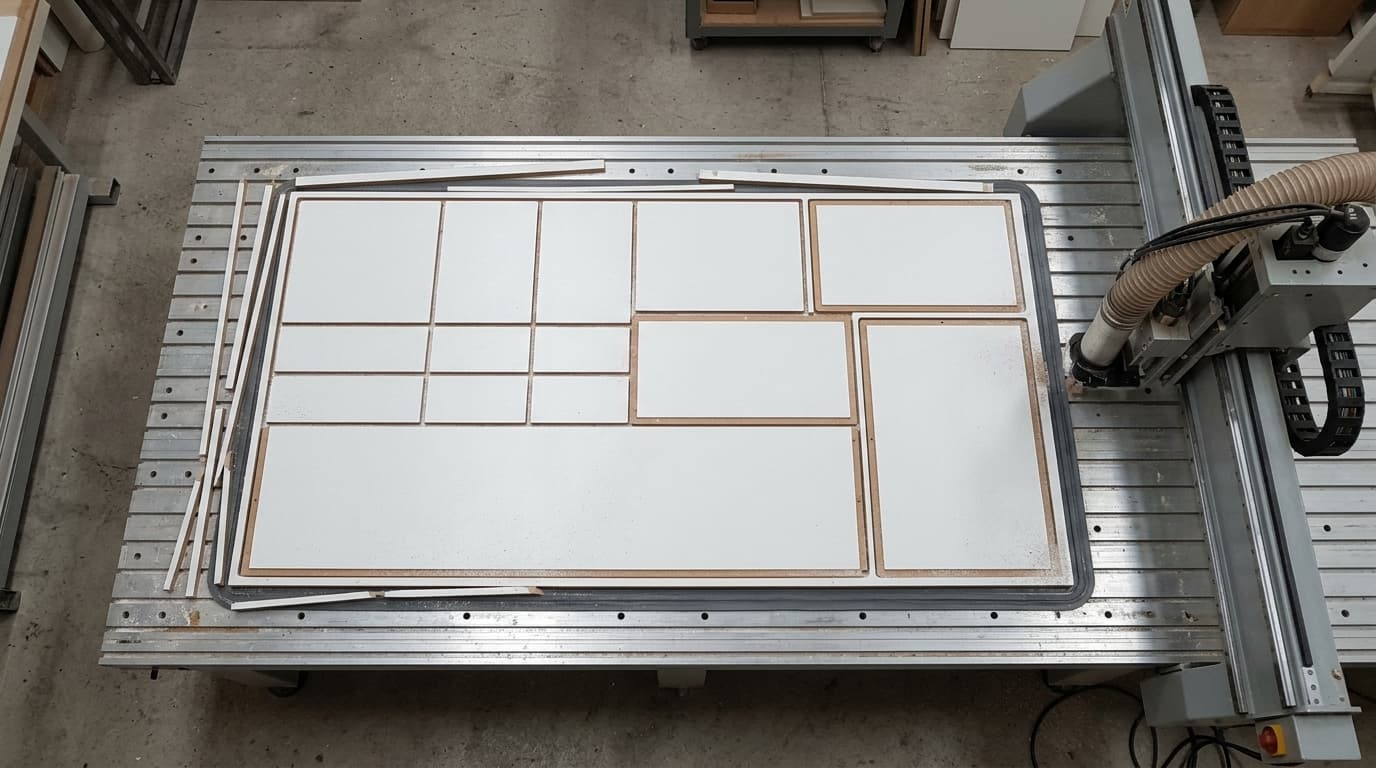
The cutting plan tries to place parts on the sheet with the least waste. Rotating parts 90° is an important tool for this: laying a part sideways into a narrow, long gap reduces waste.
Banning rotation reduces the placement options. In practice:
- On plain-colored boards, allow rotation for all parts.
- On patterned boards, lock only the visible parts.
- In mixed projects, define patterned and plain parts as separate materials, so each sheet is laid out by its own rule.
Waste on patterned boards usually comes out a little higher than on plain boards. This difference should be taken into account when preparing a quote. For ways to reduce waste, see our panel nesting software article.
Grain continuity
Some designs want the pattern to flow uninterrupted from one door to the next, for example the grain continuing like a single tree across three stacked drawer fronts. For this:
- The parts are cut in order from the same sheet so that each continues the other.
- In the cutting plan, these parts are marked as a group and only the kerf is left between them.
- When the parts are labeled, their order is written too; they must not get mixed up at installation.
This method increases waste and constrains the cutting plan. Use it only when the customer asks for it, and on visible surfaces.
How do I tell a board's grain direction?
- Check the board's label or the manufacturer's decor catalog.
- Look at the board's surface at an angle to the light; the direction the pattern lines run is the grain direction.
- If in doubt, have the operator mark which edge of the board is the “length” before cutting.
Common mistakes
- Length and width written in mixed order on the list.
- A visible end panel cut rotated.
- Tone differences between doors cut from different board batches (there can be a color difference even if the grain direction is right).
- Locking all parts needlessly and using extra sheets.
Grain direction from the drawing
When grain direction is defined with the part in the drawing, it carries over correctly to the cut list and the cutting plan; the list is not corrected by hand each time. In moducut, nesting places parts on the sheet while respecting grain direction and rotation rules; see the Nesting page for details.
Frequently asked questions
Does the grain always run along the long edge of the sheet?
On most decors it does, but there are exceptions. Check with every new decor.
Should shelves also be cut to the grain direction?
Shelves hidden behind doors are usually left free. If it is an open shelf or a display shelf, it is locked like a visible part.
How much does grain direction increase waste?
It depends on the project and the part sizes. Locking only the visible parts is the most effective way to keep the difference small.