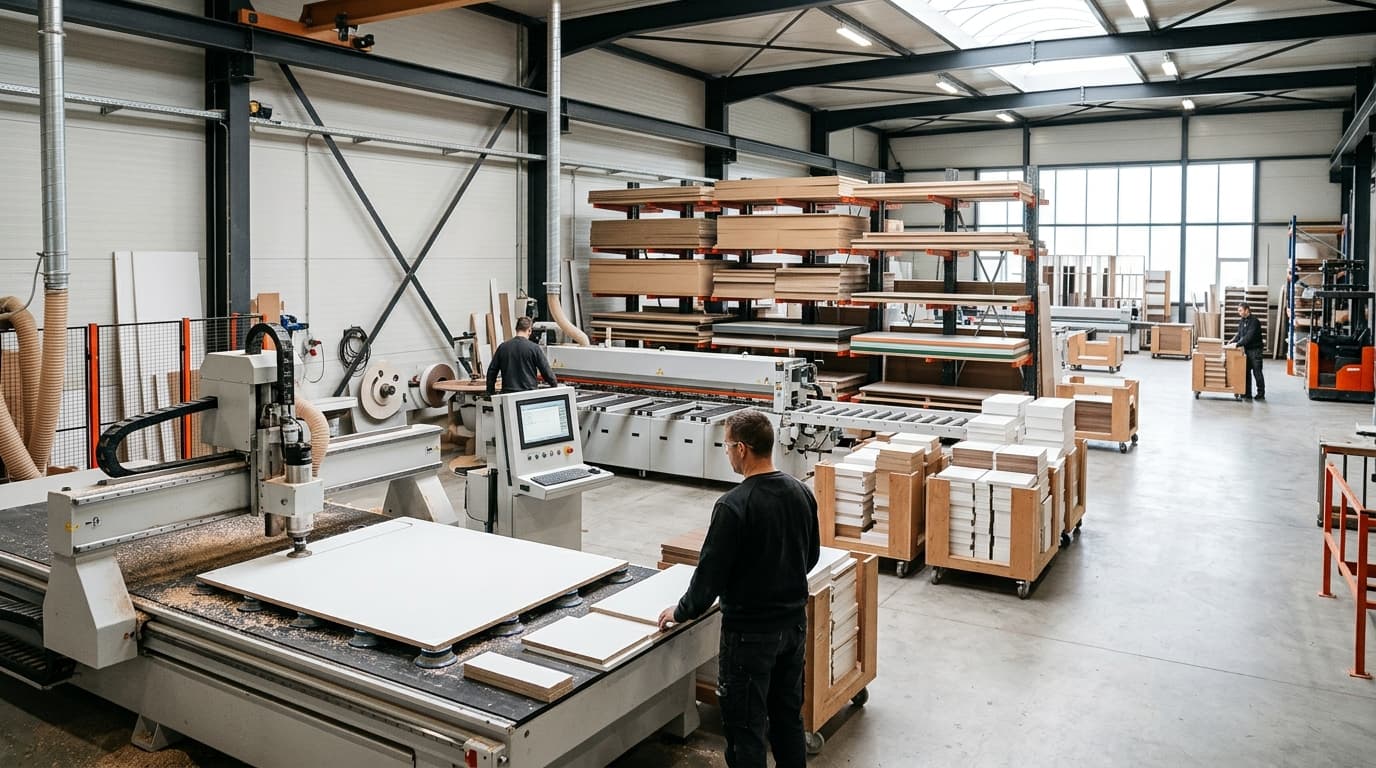
Compatible CNC machines
moducut writes G-code for your machine’s profile, so it works with most CNC routers used in furniture workshops.
Kısa cevap
moducut writes G-code directly for CNC routers with GRBL, Mach3 and LinuxCNC controllers and for nesting routers. It exports CIX for Biesse machining centers and DXF for other CAM programs. You set up the machine profile (table size, tools, work offset, spoilboard overcut, start and end lines) once; every project after that comes out with that profile.
Output by machine
- Routers with GRBL controllers
- G-code (G10 L20 work offset)
- Routers with Mach3 controllers
- G-code (.tap), tool change T M6
- LinuxCNC
- G-code (.ngc)
- Nesting routers (Spincat and similar)
- G-code in nesting line order
- Biesse machining centers
- CIX
- Other CAM programs
- DXF (layered)
What’s in a machine profile?
Set up once, used in every project.
- Table size and work offset (G54…)
- Tool list: cutting bit, groove bit, drill bits
- Spoilboard overcut and the machine’s own zero
- Vacuum, probe (Z touch plate) and safe Z
- Lines to add at the start and end of the program
Frequently asked
questions
If your machine reads G-code, most likely yes. Send us a sample program that came with your machine and we’ll set up the post settings together. Setup is done remotely by screen sharing.
You or we set the profile up once inside the program; setup support is also available during the 7-day trial.
No. For Biesse machining centers moducut exports a CIX file; part, drilling and grooving operations come inside the CIX.
Yes. We prepare a ready profile for your machine, give your customers setup support and mention you on this page. Write to us from the contact page.